Best AI Image Generators
Discover AI image generators for styles, lettering and posters.
Updated Nov 25, 2026
Create illustrations and editable vector assets for design projects
Explore image and video ideas on a live canvas
Create illustrated designs with editable lettering for posters and campaigns
Design merchandise artwork, product mockups and related brand assets
Related categories
What is an AI image generator?
An AI image generator turns a written prompt into pictures, illustrations and posters you can revise or download. The tools here differ in what they add after the first result: editable lettering, vector paths, reference images or a live drawing canvas.
What to look for in an AI image generator
- 01
Readable lettering
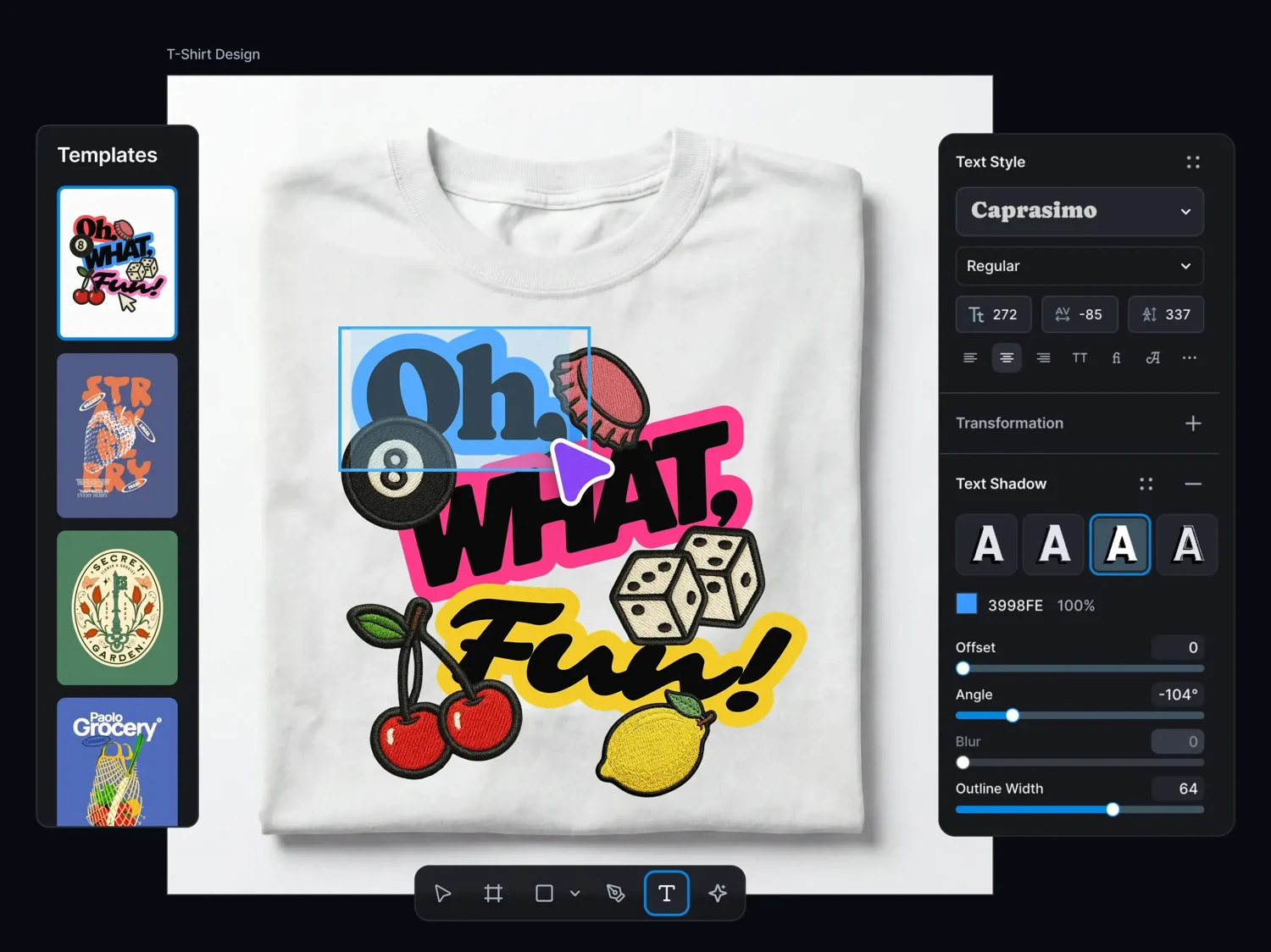
Ideogram generates words inside the image for posters and campaigns, and Layerize Text rebuilds them as text layers with font, color and placement controls.
- 02
Vector output
Recraft exports SVG and Lottie files for icons and motion, and Kittl turns raster images into editable vector paths.
- 03
Reference images
Krea guides results with reference images, and Recraft builds a reusable style from references without training a model.
- 04
Live canvas
Krea redraws the image as you type or sketch, and can train a LoRA on examples of a character, object or style.
- 05
Edit and resize
Ideogram adapts an ad to another size and removes backgrounds, while Kittl cuts out subjects and enlarges low-resolution images.
- 06
Free-plan limits
Ideogram free downloads are original-size JPEG, and free images from Kittl and Recraft are public.
Which AI image generator fits your work
How does an AI image generator work?
Krea, Ideogram and Recraft all follow this loop from first prompt to download.
- 01
Generate
InputA prompt and optional referencesOutputSeveral image variations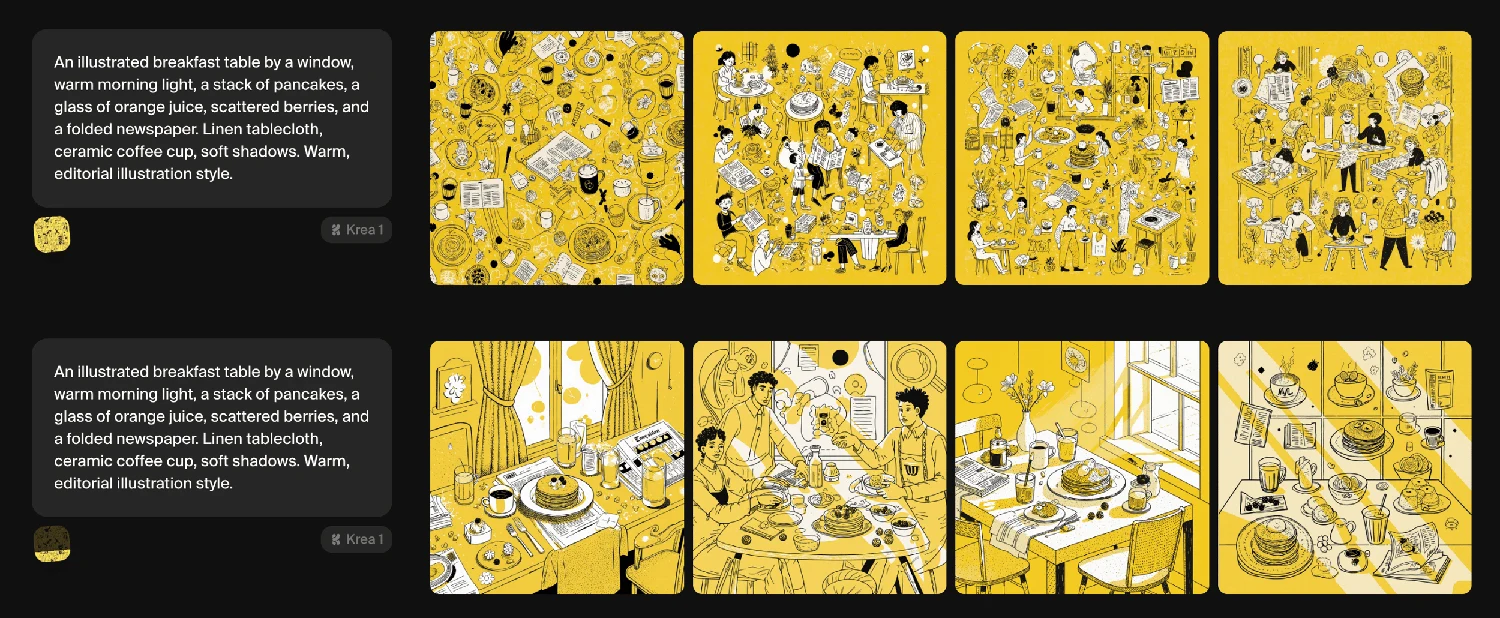 Eight variations from one prompt in Krea
- 02
Revise
InputA chosen image and a new instructionOutputAn edited version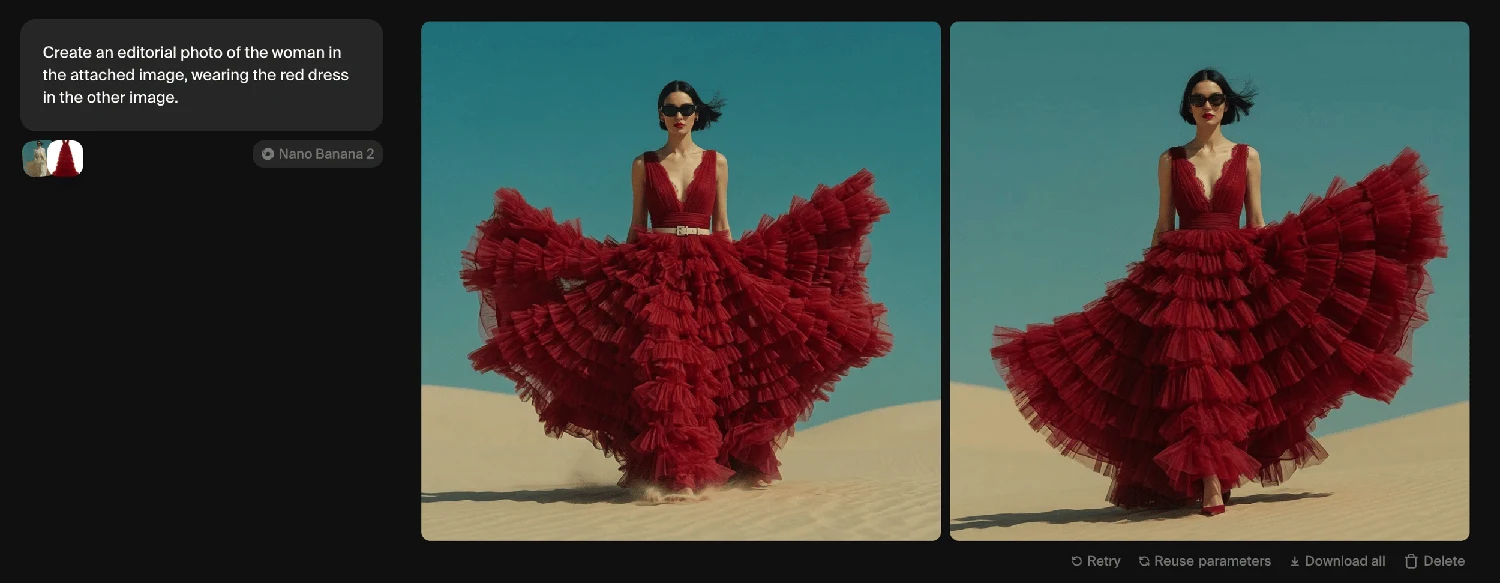 Two edits built from a photo and a dress image in Krea
- 03
Add text
InputWords detected in the imageOutputEditable text layers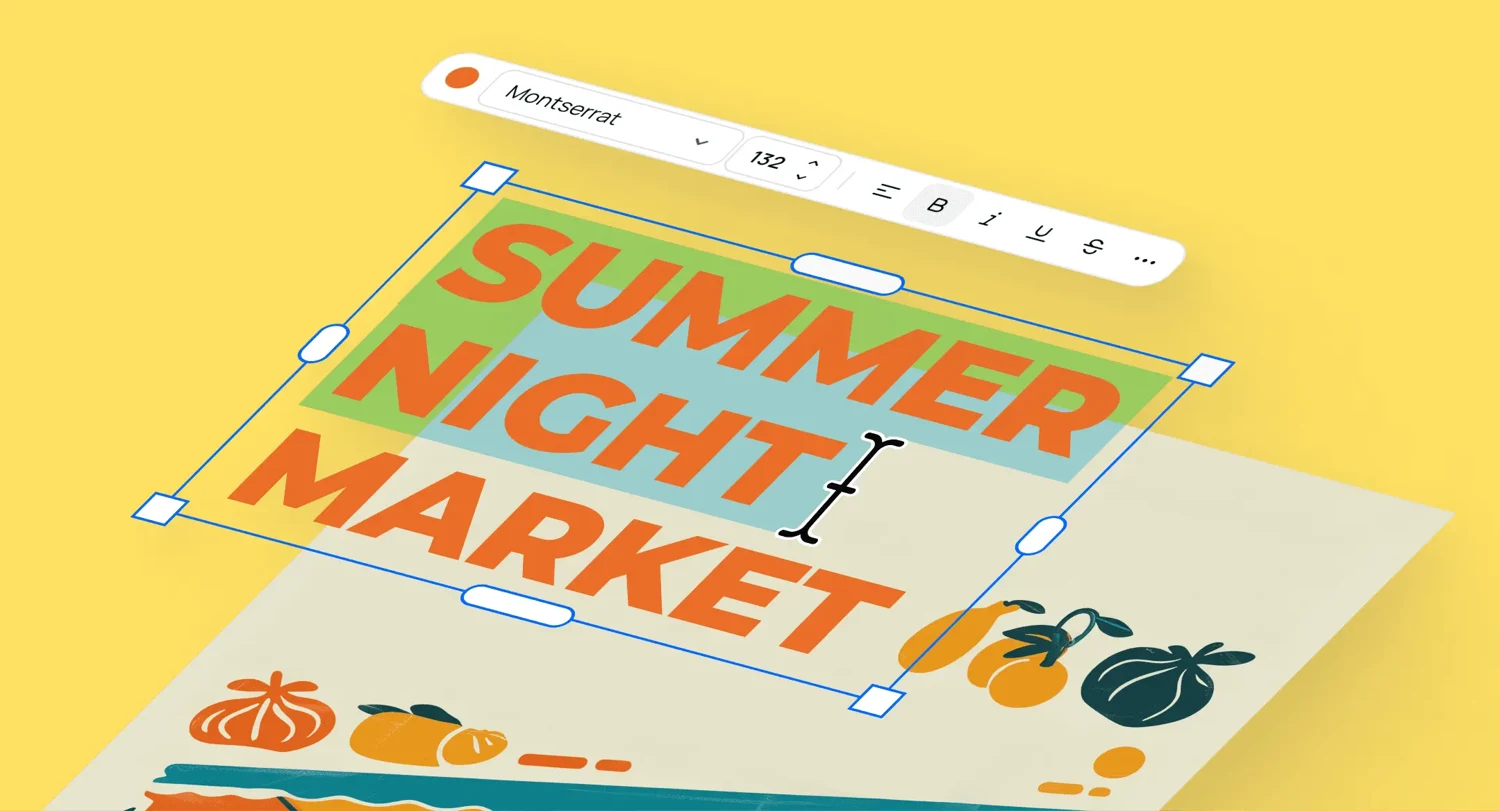 Editing a text layer on a poster in Ideogram
- 04
Export
InputThe finished imageOutputA PNG, JPEG or SVG file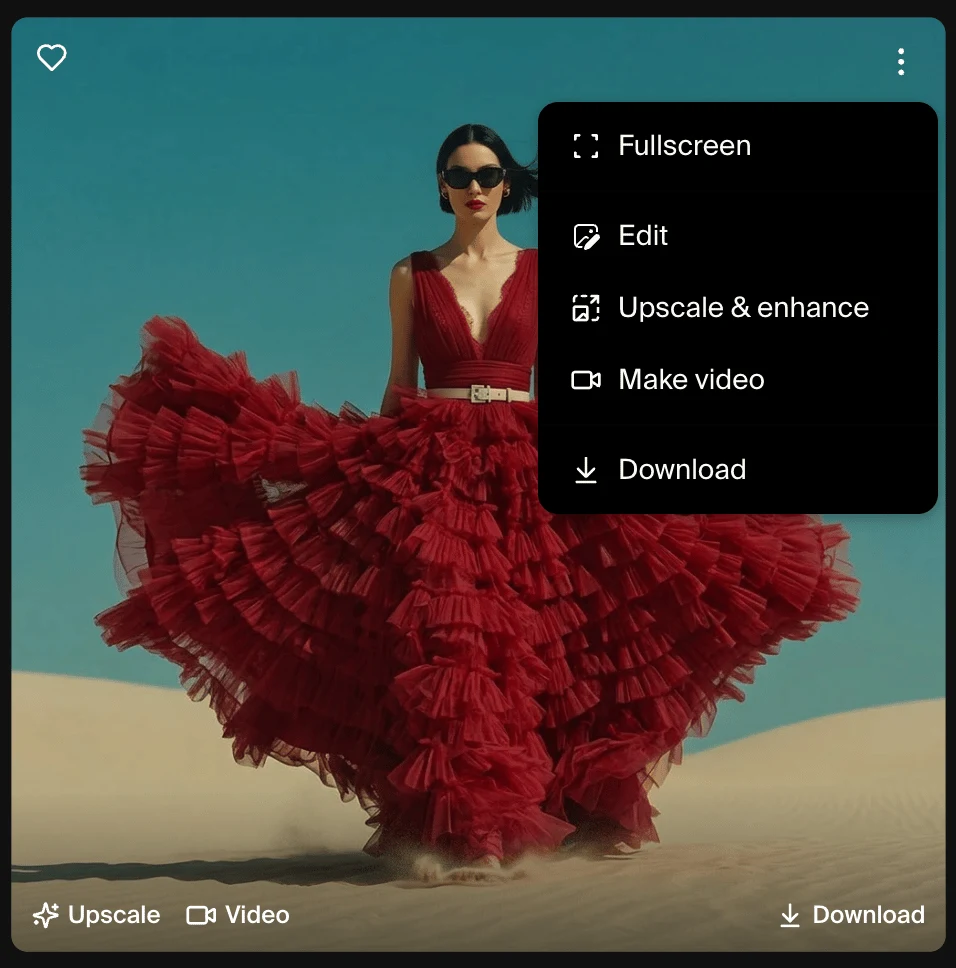 A result menu with upscale and download in Krea
Frequently asked questions
Are there free AI image generators?
Yes. 5 listed AI image generators offer a free plan, including TatSketch, Recraft, Krea. Use the Pricing filter to compare free, freemium, and paid options.
Which AI image generators have an iOS app?
Ideogram has an iOS app. Use the Platform filter to check other platforms.
How are these tools ranked?
Recommended order shows matching Pro listings first, then Basic, then free and editorial listings. Listings within each group are ordered by publication date. You can also sort by newest or by name.