Recraft
Create illustrations and editable vector assets for design projects
What is Recraft?
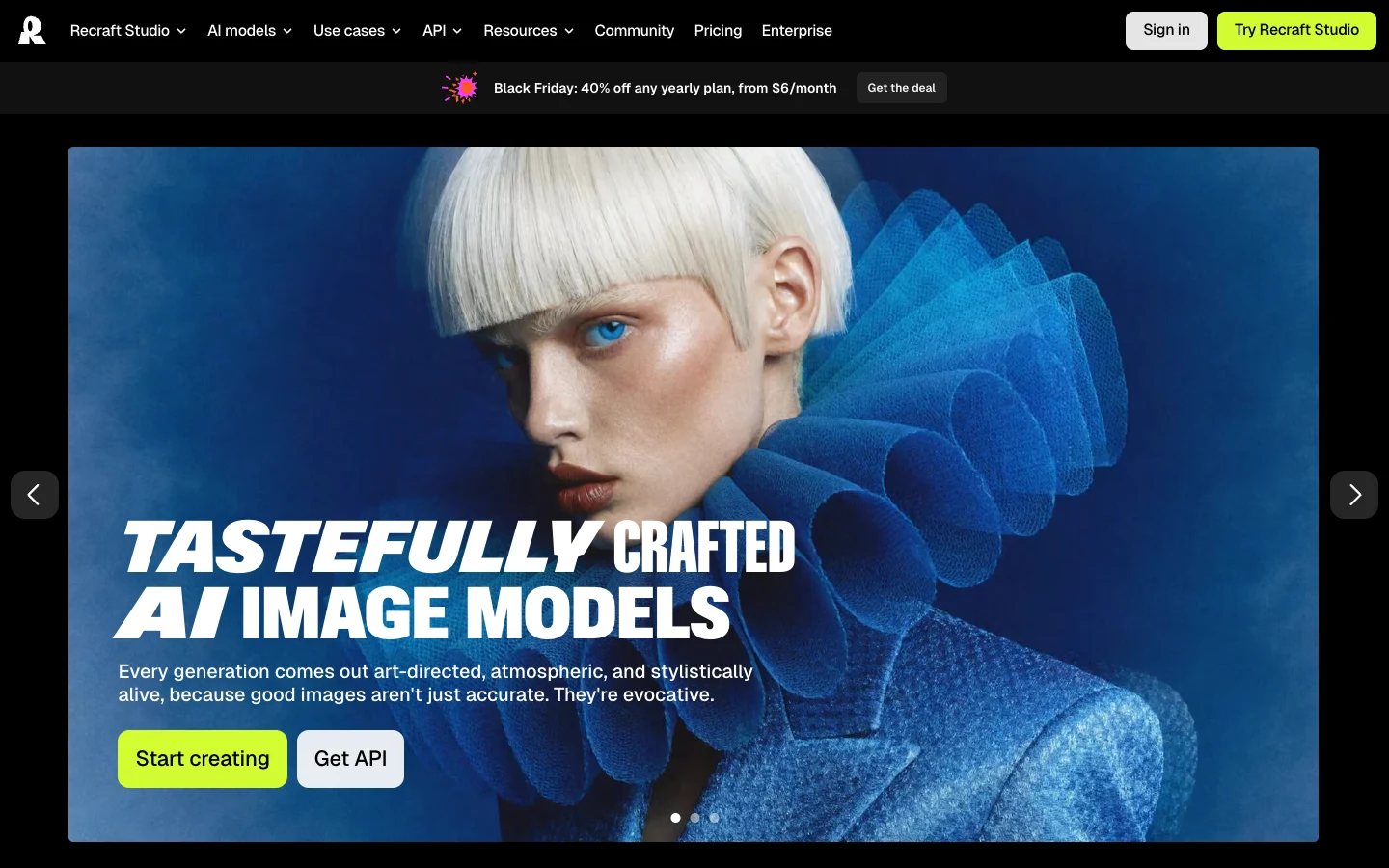
Recraft is an AI design tool for producing images, illustrations and editable vector artwork. Its Studio combines generation with a canvas for arranging and revising assets, while reusable styles keep a collection visually consistent. A project can begin with a written idea or a supplied picture.
Generate artwork for a design brief
Describe the subject and visual direction for a campaign image, illustration or other asset. Recraft generates material that can be arranged on its Studio canvas with the rest of the design. A supplied picture offers another starting reference when the work needs to follow an established composition or appearance.
Keep a collection in the same style
Reference images can define a reusable style without a separate model-training process. Apply that direction to different subjects to create a related set of assets, then adjust it as the design develops. This is useful when an illustration series needs a common look but each image must communicate a different idea.
Prepare images and vectors for delivery
Vector generation produces artwork that remains editable as paths, while raster conversion offers a route from a supplied image to vector work. Image edits can remove an unwanted object or background, and enlargement prepares a chosen result at a larger size. These finishing steps let the generated asset become usable design material, rather than leaving the task at the first proposed picture.
What can Recraft do?
- 01
Generate pictures from text
Create photographic imagery and illustrations
- 02
Create editable vectors
Generate vector artwork directly or convert a raster image
- 03
Reuse a visual style
Build and adjust a style from reference images without training a separate model
- 04
Clean up an image
Remove backgrounds or unwanted objects and enlarge the result
How do I get started with Recraft?
- 1
Open a project
Sign in at recraft.ai and select Create new project from the Projects view
- 2
Generate an image
Describe it in Chat, or use Create to choose the model, style and prompt
- 3
Revise the result
Select the image on the canvas and apply an edit while retaining the original version
- 4
Export the asset
Select Export, set the format, dimensions and resolution, then confirm Export
What does Recraft work with?
- Claude
- Cursor
- JPG
- PNG
- WEBP
- SVG
- PNG
- JPG
- TIFF
- SVG
- Lottie
Who is Recraft for?
- Icon and identity designers
Prepare vector concepts for further editing
- Campaign art directors
Produce related images with a consistent visual style
How much does Recraft cost?
- Free plan · 3 generations per style and 3 image uploads per day; images are public and for personal use.
- or $10/mo billed yearlySave 17%
What are Recraft's limitations?
Image uploads
JPG, PNG and WEBP files must be within 5,800 pixels per side, 16 megapixels and 48 MB; SVG files have a 48 MB cap
Recraft FAQ
What happens to images when I cancel?
Images made during a paid subscription retain their privacy, ownership and commercial rights after cancellation.
Do subscription credits roll over?
No. Unused subscription credits expire at the next billing cycle. Purchased top-up credits have no expiry date.
More tools like Recraft
 Looka
Create a logo and matching brand material for a new business
 Spline
Build interactive 3D scenes for websites and applications
 Figma
Design interfaces and explore working prototypes with product collaborators
 Napkin AI
Turn written explanations into editable diagrams and presentation visuals
 Fotor
Retouch photos and turn them into layouts and generated imagery
 Photoroom
Turn product photos into listing images and ads for online stores
 Upscayl
Enlarge photos and illustrations on your desktop
 Pixelcut
Turn product photos into listing imagery and campaign media