
Napkin AI
Turn written explanations into editable diagrams and presentation visuals
What is Napkin AI?
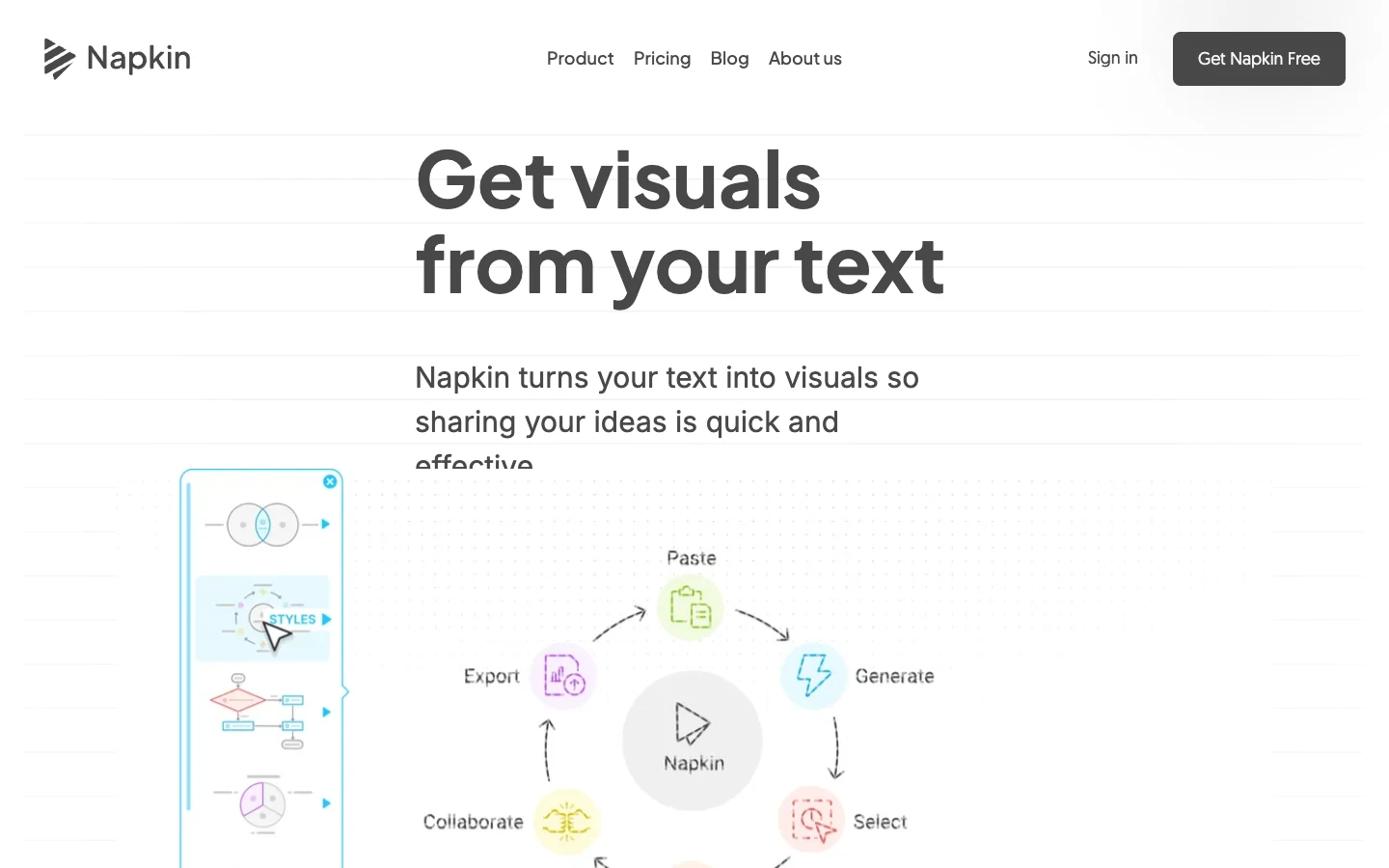
Napkin AI turns written material into visual explanations within a document. The input can be pasted text, an imported file or a short idea used to generate a draft. A selected passage then supplies the content for several visual alternatives, with the chosen result added beside the writing.
Explain a passage with a diagram
Choose the idea or passage that would benefit from a visual explanation. Napkin proposes alternatives such as diagrams, flowcharts or other visual structures, allowing you to compare how each one communicates the point. Refine the chosen visual’s style to suit the surrounding writing or presentation. An imported document can supply the same kind of material as text written directly in Napkin.
Use the visual in a document or presentation
An individual visual can be exported for use in another document, slide deck or article. Exporting the whole document keeps the writing and visuals together, which suits a report or explanation that needs both. Page layouts support continuous reading, printed pages or widescreen slides, letting the same material take the form needed by its audience.
What can Napkin AI do?
- 01
Generate visual explanations
Turn text into flowcharts, mind maps, infographics or data charts
- 02
Edit individual elements
Change layout, shapes, icons, colors and typography
- 03
Build a slide deck
Work from an idea with Napkin Slides
- 04
Export visual files
Save PNG, PDF, SVG or PowerPoint output
How do I get started with Napkin AI?
- 1
Create a Napkin
Sign up at app.napkin.ai and select Create my first Napkin
- 2
Add the text
Paste your material or generate a sample document from a short prompt
- 3
Generate and choose
Select a passage, click Generate Visual, compare the options and select a style
- 4
Export the result
Select the visual’s frame, open its export control, choose a format and click Export
What does Napkin AI work with?
- DOCX
- PPTX
- Markdown
- HTML
- TXT
- PNG
- SVG
- PowerPoint
- Google Slides
Who is Napkin AI for?
- Explanatory-content authors
Turn process and lesson text into diagrams for documents or presentations
How much does Napkin AI cost?
- Free plan · 500 AI credits per week, with PNG and PDF export.
- or $9/person/mo billed yearlySave 25%
What are Napkin AI's limitations?
File import size
Uploaded documents must be no larger than 30 MB
Individual visuals
Generation requires a computer; mobile supports viewing work and creating or editing presentations
Napkin AI FAQ
Can I disable use of my interactions for AI improvement?
Yes. Self-serve users can change that setting in their account; Enterprise interaction data is excluded from training.
More tools like Napkin AI
 Figma
Design interfaces and explore working prototypes with product collaborators
 Fotor
Retouch photos and turn them into layouts and generated imagery
 Kittl
Design merchandise artwork, product mockups and related brand assets
 Beautiful.ai
Build branded presentations with layouts that adapt to the content
 Gamma
Turn ideas and source documents into presentations and visual pages
 Meshy
Turn descriptions and reference images into editable 3D assets