
Gamma
Turn ideas and source documents into presentations and visual pages
What is Gamma?
Gamma is an AI presentation maker for turning a topic, outline or source material into an editable visual deck. It also creates documents and web content. You can develop the message through conversation, adjust the design, and present or export the result.
Turn the brief into a deck
Start with the subject and the story the presentation needs to tell. An outline gives the content its order before generation, and instructions can change the wording, tone or amount of detail. Generated slides remain editable, so a revision can address the whole presentation or just one element.
Existing material offers another route. An imported deck can retain its design, or its content can become the basis for a new structure. Tell the agent whether to preserve the wording, condense it or write new content from the supplied source.
Keep useful design choices
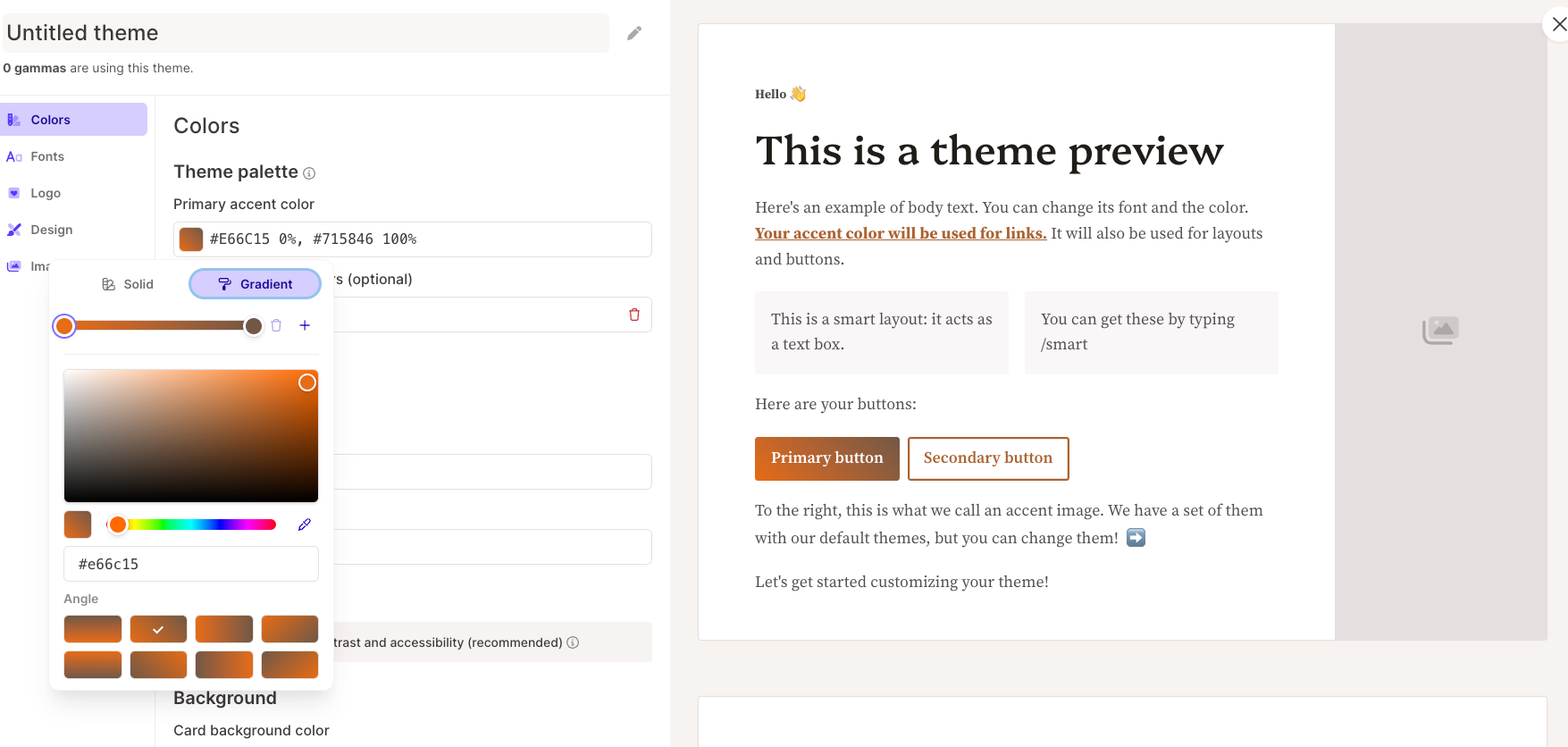
An imported presentation can be saved as a workspace template for later work. Fonts, colors and a logo can also be reused through a custom theme. This separates a reusable visual identity from the individual deck's subject matter. The imported slide elements remain available for editing, with some charts treated as images.
Prepare the version to present
Exports use the presentation view as their visual basis. The export controls select the whole document or particular cards and adjust image quality. Tables can remain editable in the presentation file, while speaker notes accompany the deck for delivery outside Gamma.
What can Gamma do?
- 01
Plan a deck from an outline
Organize the message before slide generation
- 02
Edit by instruction
Shorten, translate or change tone at presentation, slide or element level
- 03
Restyle a presentation
Combine themes, visual references and direct layout adjustments
- 04
Rebuild image content
Turn information in a screenshot into editable elements
- 05
Exchange presentation files
Import PDF or PPTX and export PDF, PPTX, PNG or Google Slides
How do I get started with Gamma?
- 1
Describe the presentation
Open Gamma and enter the topic, audience and content you want in the deck
- 2
Review the plan
In Plan mode, answer the agent’s questions and approve the story and style before it builds
- 3
Revise the deck
Adjust its content, theme and layouts, then review it in Present Mode
- 4
Share or download
Open Share > Export and choose the output for the whole deck or selected cards
What does Gamma work with?
- ChatGPT
- Claude
- Slack
- Glean
- Superhuman
- Atlassian
- Cursor
- Grok
- Zapier
- Make
- n8n
- PPTX
- POTX
- DOCX
- XLSX
- CSV
- Google Slides link
- Web page URL
- Public Notion document
- PNG
- PPTX
- Google Slides via PPTX
Who is Gamma for?
- Presentation authors
Turn a lesson, proposal or report outline into a visual deck
How much does Gamma cost?
- Free plan · 400 one-time credits at signup and up to 10 slides per prompt.
- or $9/seat/mo billed yearlySave 25%
What are Gamma's limitations?
Prompt attachments
Each message accepts up to 50 files and 250 MB; each chat accepts up to 1 GB
Mobile PowerPoint export
Unavailable for presentations longer than 150 slides; use the web version
LinkedIn publishing
Connects to a personal profile, not a company page
PDF exports
Static documents do not retain fillable fields or interactive elements
Gamma FAQ
Can I remove Gamma branding?
Yes. Plus and higher tiers allow you to remove Gamma branding.
More tools like Gamma
 Notion
Keep documents, project records and company knowledge together
 Otter.ai
Turn meetings and interviews into searchable notes and transcripts
 Readwise
Keep reading highlights available for review and later writing
 Fathom
Turn customer calls into notes, CRM follow-up and coaching material
 tl;dv
Analyze meeting collections for customer feedback and sales coaching
 Reclaim
Reserve calendar time for tasks, focus work and flexible routines
 Motion
Turn project tasks and deadlines into an adjustable daily schedule
 ClickUp
Manage delivery and use project context to answer questions or create work