tl;dv
Analyze meeting collections for customer feedback and sales coaching
What is tl;dv?
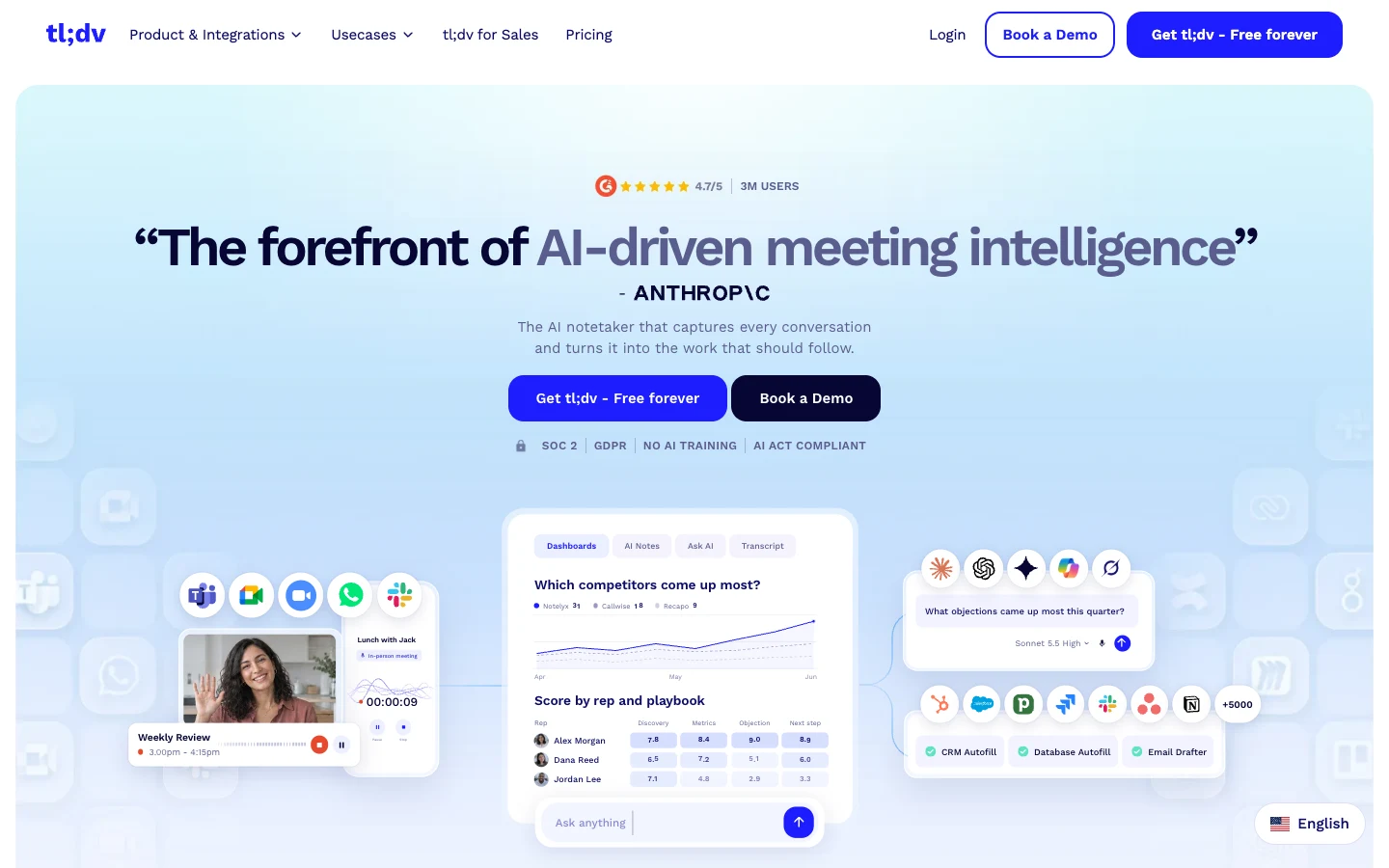
tl;dv is an AI meeting assistant for recording, transcribing and summarizing calls on Google Meet, Zoom and Microsoft Teams. It keeps those meetings in a searchable library, where questions can compare several discussions and Reels collect useful highlights. Sales teams can turn meeting context into CRM notes and coaching examples.
Record the call and return to the useful moments
Scheduled meetings can be recorded through calendar-based automation. The desktop app also captures system audio without adding a notetaker to the call. After recording, the library holds the transcript and AI notes. This lets participants focus on the conversation and then inspect the summary or revisit an exact passage.
Recordings made elsewhere can be uploaded into the same library. Sharing preferences determine whether a record stays private or is available to a team or organization, with permissions adjustable on its meeting page.
Share a recording with its context
A meeting link can include notes, giving the recipient context alongside the recording. Access can be granted to individual people or a company domain, with a separate role for each. You can also make a link public or limit it to named recipients.
Renaming the meeting changes the title used to find it later. Downloading creates a local video copy, while sharing keeps the recipient's access tied to the meeting's permissions.
What can tl;dv do?
- 01
Transcribe and translate meetings
Work with recorded discussions across supported languages
- 02
Report across calls
Find repeated objections, feature requests and customer feedback
- 03
Log CRM outcomes
Send notes and next steps into the customer record
- 04
Build coaching examples
Use clips and playbook or objection-handling analysis
How do I get started with tl;dv?
- 1
Install the desktop app
Sign in to tl;dv and prepare its bot-free recording mode
- 2
Record a conversation
Start a meeting in the desktop app, or choose Record instant meeting for an unscheduled call
- 3
Review the result
Finish recording and open it in the library for the transcript and AI notes
What does tl;dv work with?
- Google Meet
- Zoom
- Microsoft Teams
- HubSpot
- Salesforce
- Zapier
- MP4
- M4A
- AVI
- MOV
- MKV
- FLV
- WMV
- MPEG
- WEBM
- WAV
- FLAC
- MP3
- MP4
Who is tl;dv for?
- Sales enablement coaches
Select real call examples for onboarding
- Product feedback researchers
Compare customer requests across meetings
How much does tl;dv cost?
- Free plan · Unlimited recordings and transcriptions, plus 10 AI meeting notes and 10 Ask AI queries.
- or $18/seat/mo billed yearlySave 38%
What are tl;dv's limitations?
Upload duration
Videos must be no longer than three hours
Upload speakers
Speaker recognition is unavailable; uploaded recordings use numbered speaker labels
Upload window
Closing it or leaving the page before the file reaches Uploads cancels the upload
Recording downloads
Both owner and downloader need Pro or Enterprise; the downloader also needs editor or admin access
Bulk output
Recording downloads and exports are not available in batches
More tools like tl;dv
 Krisp
Reduce call noise and keep meeting notes without a participant bot
 VEED
Edit and caption videos in the browser for publication
 Descript
Edit spoken audio and video by working with the transcript
 Notion
Keep documents, project records and company knowledge together
 Beautiful.ai
Build branded presentations with layouts that adapt to the content
 Gamma
Turn ideas and source documents into presentations and visual pages
 Readwise
Keep reading highlights available for review and later writing
 Reclaim
Reserve calendar time for tasks, focus work and flexible routines