
Descript
Edit spoken audio and video by working with the transcript
What is Descript?
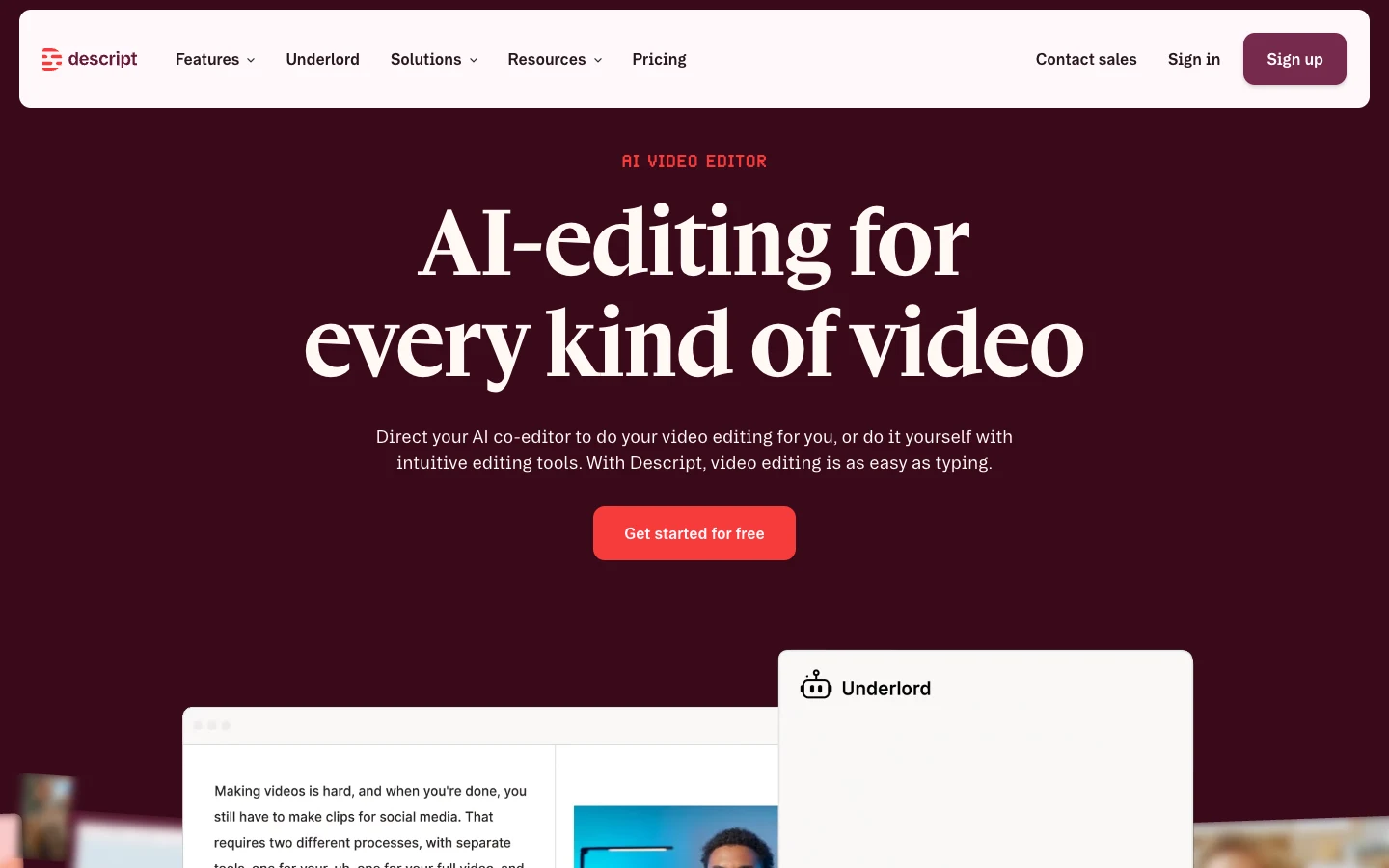
Descript is an AI audio and video editor for podcasters, interviewers and teams making demonstrations. Editing the transcript edits the recording: removing a passage cuts its footage, and rearranging the words changes the sequence. A timeline remains available for precise timing and visual work.
Cut an interview through its transcript
Import a recording or record a screen demonstration or remote conversation in Descript. The transcript becomes the editing material: remove an unwanted answer, reorder a passage or cut repeated takes to shape the story. Studio Sound cleans up the spoken audio, and Underlord can take a written editing request and make a first cut for you to refine.
Build a video around the spoken story
An interview can use split-screen layouts, while a tutorial can combine the presenter with screen footage. Add supporting images, music and B-roll around the spoken track, using scenes to change the visual treatment as the subject changes. The timeline handles precise pacing, and captions make the dialogue readable as well as audible.
Make an episode and shorter cuts
Keep alternate edits in the project to produce both a full episode and excerpts for other channels. A hosted review link lets collaborators comment on the relevant moment before delivery. Download the completed recording, or transfer the edited timeline to another editor when the production needs further finishing.
What can Descript do?
- 01
Cut media by editing words
Deleting or moving transcript passages changes the corresponding recording
- 02
Record screens and interviews
Bring demonstrations and remote conversations into a project
- 03
Clean up speech
Reduce noise with Studio Sound and remove filler words or repeated takes
- 04
Create short clips
Select excerpts and adapt their format for another channel
- 05
Direct edits with Underlord
Request editing and generated supporting media through prompts
How do I get started with Descript?
- 1
Start a project
In Descript's drive view, click New project and select the project type
- 2
Bring in a recording
Drag audio or video into the project, then use the generated transcript as your script
- 3
Shape the edit
Arrange the transcript, add scenes and layouts, and refine pacing in the timeline
- 4
Review and deliver
Apply any cleanup needed, then use Local export or Publish link to share the first cut
What does Descript work with?
- Zoom
- Zapier
- HubSpot
- YouTube
- Google Drive
- MP4
- MP3
- WAV
- GIF
- XML for Premiere Pro
- XML for Final Cut
Who is Descript for?
- Interview podcasters
Cut long conversations into episodes and excerpts
- Product educators
Record narrated demonstrations and prepare captioned tutorials
How much does Descript cost?
- Free plan
- or $16/person/mo billed yearlySave 33%
- Includes 1 person
What are Descript's limitations?
Google Drive imports
Available in Descript for Web, but not in the desktop application
No resolution upscaling
Exporting a 720p source at 1080p increases file size without adding image detail
Compression controls
Local video export provides High, Medium and Low presets, without an advanced bitrate setting
Descript FAQ
How do media hours differ from AI credits?
Media hours measure imported or recorded material. AI credits track use of features such as Underlord, cleanup tools, and generated media.
Can Descript transcribe multiple languages?
Yes. Descript supports transcription in 25 languages.
Which desktop systems are supported?
Descript supports macOS 14 or newer and Windows 11 or newer.
More tools like Descript
 Kapwing
Create and localize video in a shared browser timeline
 invideo
Direct video edits through conversation while retaining timeline control
 Fireflies.ai
Turn recorded conversations into searchable notes and follow-up material
 Otter.ai
Turn meetings and interviews into searchable notes and transcripts
 Notta
Transcribe conversations and turn their findings into working documents
 Fathom
Turn customer calls into notes, CRM follow-up and coaching material
 tl;dv
Analyze meeting collections for customer feedback and sales coaching
 AI Rap Duo
Turn two photos into a rap duo video.