
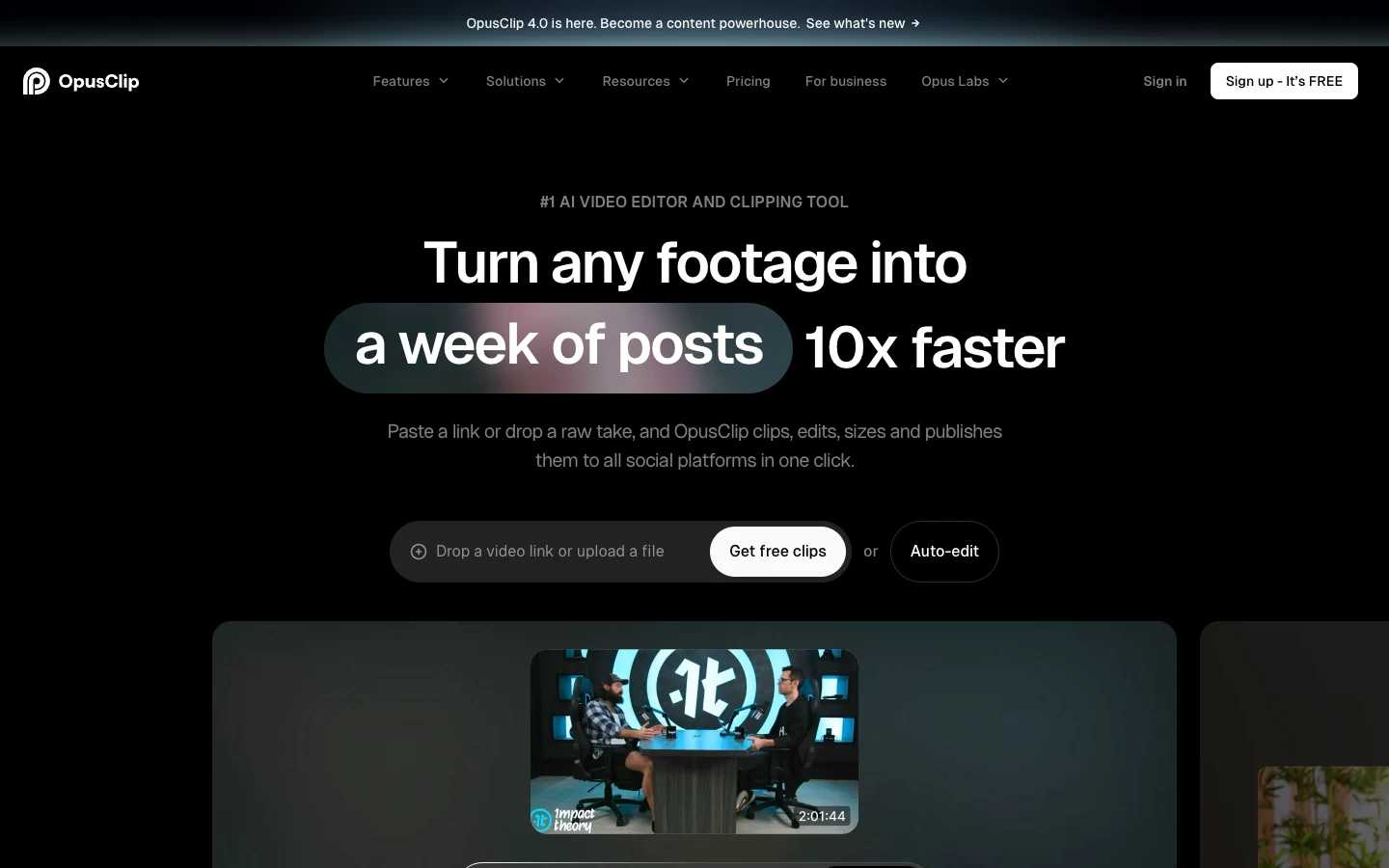
What is OpusClip?
OpusClip turns a recording into a project containing shorter edits. A source can arrive through an upload or a supported video link. Before processing, CoPilot lets the editor set a desired clip length and narrow the source to a chosen interval, so an entire recording does not need to be considered for every request.
Describe the moments to look for
ClipBasic uses words from the recorded speech or transcript to help locate relevant passages. ClipAnything accepts a broader description of an action, person, scene, or emotional moment and uses sound and visual information alongside speech.
That choice matters for footage with little dialogue. Prompts can be supplied before submission or entered again from the results page to seek additional clips. Refine the request when the first selections miss the intended topic or action, then choose which excerpts should become finished clips.
Save an editing setup for the next recording
Recipes collect the edits to run and the settings for each one. A built-in recipe can be adjusted and saved as a personal version without changing the original. A Brand Kit can be applied as part of that setup, or left out for a particular video.
The returned clips can be refined through text or timeline editing, captioned and reframed for their destination. Subject tracking helps keep the relevant person or action in view when the aspect ratio changes. The completed cuts can be downloaded or published to social channels, turning one long recording into several pieces for distribution.
What can OpusClip do?
- 01
Cut long videos into shorts
Select highlights from interviews, vlogs, sports and gaming footage
- 02
Reframe around moving subjects
Combine automatic tracking with manual control
- 03
Add animated captions
Style word-synchronized text to match the clip
- 04
Add B-roll and voiceover
Fill visual gaps and enhance the recorded speech
- 05
Export to Premiere or DaVinci
Hand the edit off as XML for further work
How do I get started with OpusClip?
- 1
Start a project
Sign in, open Submit video, and choose the Clip long video recipe
- 2
Supply the recording
Upload a video or paste a supported link, then review the recipe settings for this project
- 3
Run the edit
Check Summary for the selected edits and credit use, then click Create
- 4
Review the clips
Inspect the results and use the text or timeline editor for changes
- 5
Publish a selection
Connect your destination through Social accounts, then publish the clips you have chosen
What does OpusClip work with?
- YouTube
- Instagram Reels
- TikTok
- Facebook Page
- LinkedIn Business
- X
- Threads
- Bluesky
- Adobe Premiere Pro
- DaVinci Resolve
- Apple Podcasts
- YouTube
- Google Drive
- Vimeo
- Zoom
- Zoom Clips
- Rumble
- Twitch
- X
- Dropbox
- XML
- TXT
- SRT
- Adobe Premiere Pro
- DaVinci Resolve
Who is OpusClip for?
- Podcasters and video hosts
Turn a full episode into short social excerpts
- Client-social agencies
Produce branded clips for several accounts
How much does OpusClip cost?
- Free plan · 60 credits per month, with watermarked exports available for 3 days.
What are OpusClip's limitations?
Linked videos
Sources must be public or unlisted; private links cannot be read
Source duration
The supported maximum is ten hours; use CoPilot to select a portion of longer footage
Pro local uploads
The maximum video file size is 30 GB
Premiere XML (Pro)
Generated captions become uneditable overlays; use the separate SRT to edit captions in Premiere
Premiere XML exports
Each short must be exported individually; multiple-short export is unsupported
More tools like OpusClip
 Kapwing
Create and localize video in a shared browser timeline
 invideo
Direct video edits through conversation while retaining timeline control
 AI Rap Duo
Turn two photos into a rap duo video.
 Synthesia
Produce presenter-led training and onboarding videos from source material
 Pika
Generate, revise and score short video scenes
 HeyGen
Make presenter videos for lessons, product updates and localization
 D-ID
Create digital presenters for scripted videos and live conversations
 Animaker
Make character-led explainers and refine their animated scenes