Animaker
Make character-led explainers and refine their animated scenes
What is Animaker?
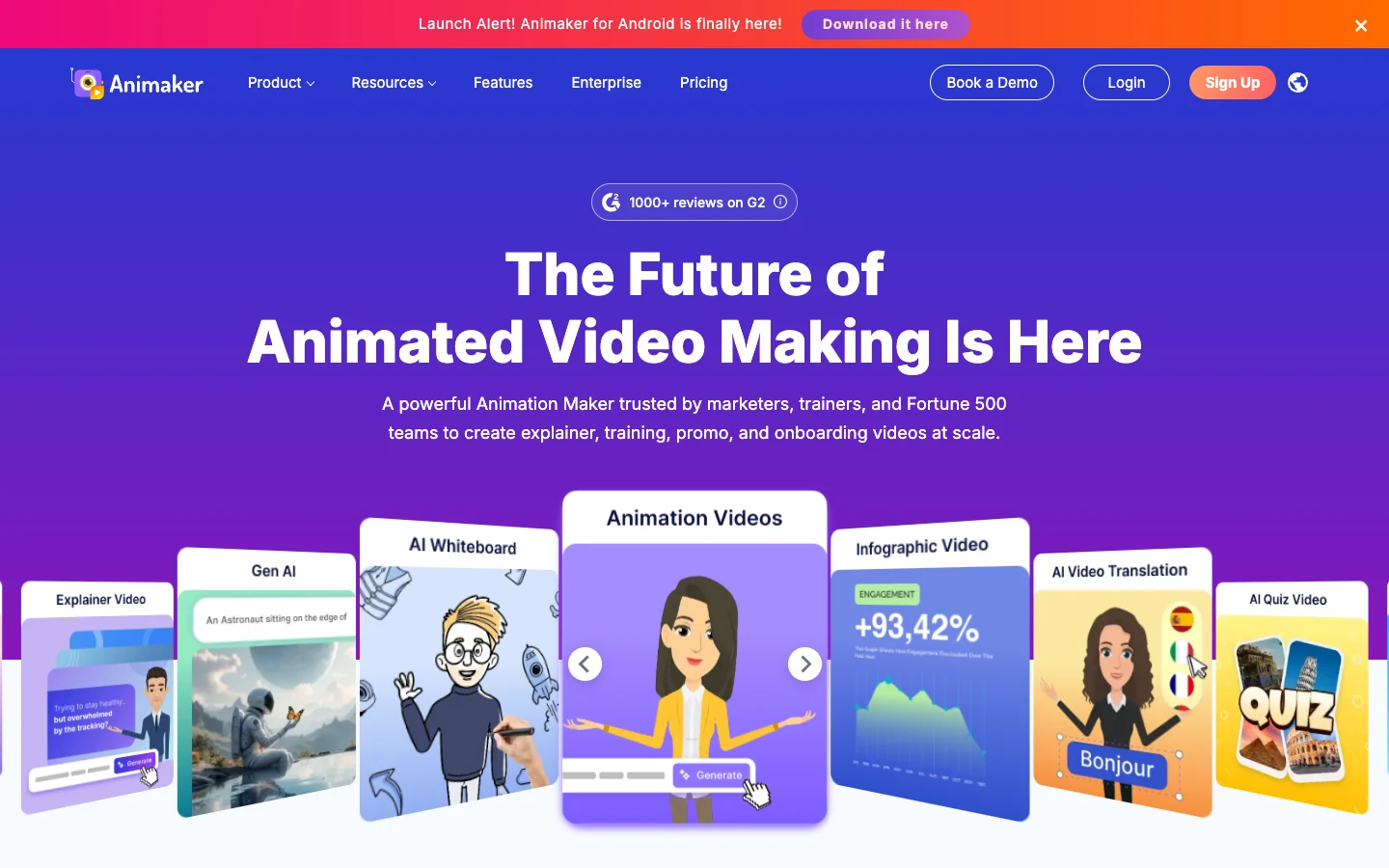
Animaker is an animation and video creation tool for explainers, training and other visual stories. It combines animated characters, speech and scene assets with AI-generated first drafts. A prompt can produce an editable sequence, while Advanced Edit gives direct control over characters, timing and narration.
Turn an explanation into animated scenes
Describe the intended video, such as a product explanation or onboarding lesson. Animaker asks for more direction and generates a sequence with characters, narration, lip movement and transitions. A template offers another route when a prepared structure already suits the message. The first version remains editable, so it can become the basis for a specific story.
Give characters and visuals a role
Custom characters let the presenter fit the brand or scenario. In Advanced Edit, change actions and expressions, add props and text, and adjust when those elements appear. A label can accompany the point it explains, while a character's reaction can make a scene's meaning clearer. Uploaded media can join the animation and be reused in later projects.
Prepare speech and a finished lesson
Preview the narration with the scene and refine the delivery before rendering the full sequence. Speech and subtitle tools also help adapt the video into other languages. After reviewing the scenes together, download the completed animation for use in training, marketing or another presentation of the story.
What can Animaker do?
- 01
Generate an animated sequence
Create scenes with characters, voice, lip movement and transitions
- 02
Build custom characters
Adjust animated presenters for a brand or story
- 03
Refine scenes directly
Use Advanced Edit to change the generated sequence
- 04
Animate a supplied image
Describe the movement to create a video
- 05
Prepare speech and subtitles
Generate voices and adapt the video into another language
How do I get started with Animaker?
- 1
Enter the AI workspace
Sign up or log in to Animaker; returning users choose Generate on the dashboard
- 2
Describe the video
Select a category, enter your prompt, and click Generate Video
- 3
Set the production choices
Choose the style and settings, click Proceed to Next, and answer any follow-up questions to start creation
- 4
Review and revise
Play the result and use Advanced Edit if you need changes to scenes, timing, or narration
- 5
Download the video
Preview the edited sequence, choose Publish > Download Video, then click Download
What does Animaker work with?
- PNG
- JPEG
- GIF
- HEIC
- SVG
- MP4
- MOV
- WEBM
- MP3
- M4A
- WAV
- TTF
- MP4
- GIF
- WEBM
- SRT
- SBV
- VTT
- ASS
Who is Animaker for?
- Explainer-video producers
Turn product or teaching briefs into narrated character scenes
How much does Animaker cost?
- Free plan · 300 AI video credits and 10 AI assets per month.
- or $25/mo billed yearlySave 44%
What are Animaker's limitations?
GIF downloads
The maximum animation length is 30 seconds
Custom-font uploads
The file must use TTF format
Team features
Available assets and capabilities follow the active team’s plan rather than your individual plan
Subtitle download routes
Translations offers SRT, SBV, VTT and ASS, while Manage export provides SRT only
More tools like Animaker
 Runway
Generate and revise shots for filmmakers and video editors
 HeyGen
Make presenter videos for lessons, product updates and localization
 CapCut
Edit social videos with captions, generated media and voice tools
 D-ID
Create digital presenters for scripted videos and live conversations
 Kapwing
Create and localize video in a shared browser timeline
 invideo
Direct video edits through conversation while retaining timeline control
 VEED
Edit and caption videos in the browser for publication
 Descript
Edit spoken audio and video by working with the transcript