What is Krea?
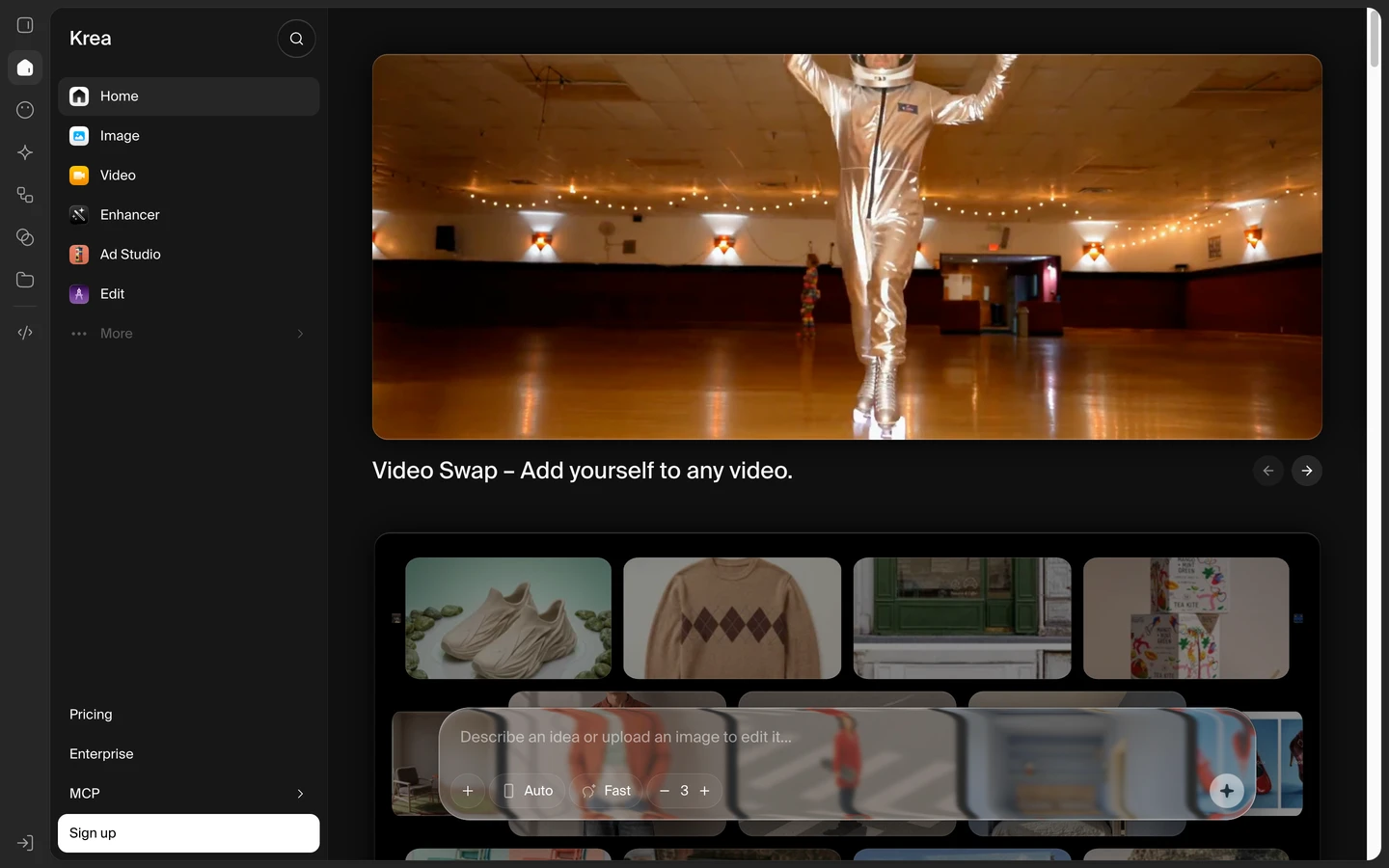
Krea is an AI image and video creation environment for designers and other visual creators. It combines generation, live drawing, editing and enhancement with a choice of models. Reference images can guide a result, and a useful still can continue into an edit, an upscale or a video.
Explore an image while you draw
A written prompt and visual references establish the subject, composition and style. Realtime generation responds to typing and drawing, letting a rough sketch guide where objects belong while the image changes. More conventional generation is available when you want to submit a brief and compare completed alternatives.
Turn the chosen image into a finished shot
A promising still can be edited, enhanced or used as the start of a video. Drawing over an area gives a requested change a location in the composition. Enhancement balances new detail against resemblance to the source, so you can compare treatments before choosing the result. Video models accept the kinds of text and reference media supported by each model.
Reuse a production method
LoRA training uses example images to customize generation around a character, object or style. Nodes connects models and processing steps into a sequence that can become a reusable app. These routes suit a series of related assets: the visual direction or production method can be reused while the subject and brief change.
What can Krea do?
- 01
Generate and edit images
Use written prompts and visual references
- 02
Draw on a live canvas
See image generation respond to typing and drawing
- 03
Create video clips
Use text, images and other references supported by the chosen model
- 04
Publish a Nodes app
Package linked models and processing steps for reuse
- 05
Train a LoRA
Customize generation with examples of a character, object or style
How do I get started with Krea?
- 1
Open Image mode
Visit Krea and select the image icon in the left navigation, then choose a model from the lower-left picker
- 2
Describe the picture
Enter a prompt and adjust the available ratio, style or reference-image settings
- 3
Generate and save
Click Generate, inspect a result and use its Download icon to save the image
What does Krea work with?
- Adobe After Effects
- Claude Code
- Codex
- Cursor
- JPEG
- PNG
- WEBP
- AVIF
- HEIC
- HEIF
- ZIP
- SVG
- PNG
Who is Krea for?
- Visual concept designers
Explore compositions while drawing
- Creative production engineers
Package repeatable media processes as apps
How much does Krea cost?
- Free plan · 100 compute units per day, with real-time models and limited upscaling.
What are Krea's limitations?
Style transfer control
The dedicated style-transfer setting is available only with Krea 1; other models use image prompts
API credentials
Only a workspace owner or administrator can create an API token
Krea FAQ
Do individual subscription units roll over?
No. Unused units on Basic, Pro, and Max expire rather than carrying into the following monthly allocation.
Can a team share its compute allowance?
Yes. Members of a workspace draw from a shared pool, and Business supports usage monitoring and individual limits.
Which plans include commercial use?
A commercial license is included with Basic, Pro, Max, Business, and Enterprise for generated media.
More tools like Krea
 AI Rap Duo
Turn two photos into a rap duo video.
 Synthesia
Produce presenter-led training and onboarding videos from source material
 Pika
Generate, revise and score short video scenes
 Runway
Generate and revise shots for filmmakers and video editors
 HeyGen
Make presenter videos for lessons, product updates and localization
 CapCut
Edit social videos with captions, generated media and voice tools
 D-ID
Create digital presenters for scripted videos and live conversations
 Animaker
Make character-led explainers and refine their animated scenes