
Reclaim
Reserve calendar time for tasks, focus work and flexible routines
What is Reclaim?
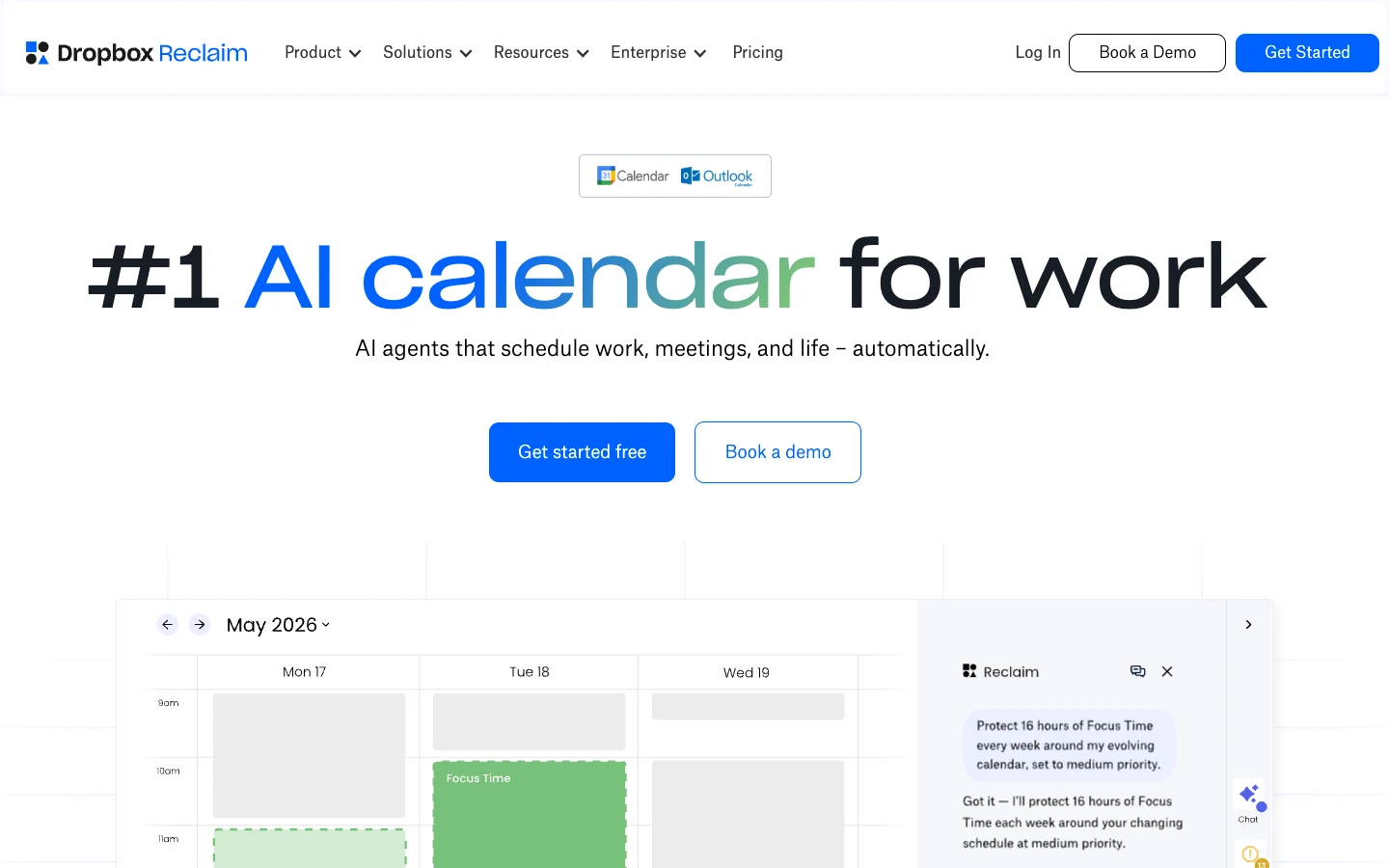
Reclaim is an AI calendar assistant for making room for tasks, focus work, habits and meetings. It schedules flexible blocks around commitments and adjusts them as availability changes. In Reclaim 2.0, chat-requested calendar changes enter a preview so you can inspect their effect before applying them.
Reserve time for the work on your list
Tasks can arrive from a project tool or be added directly. Reclaim places flexible work blocks around calendar commitments, using deadlines and priorities to decide where the work fits. When availability changes, it can rearrange those blocks so the plan reflects the time that remains, rather than leaving a static list beside an overfilled calendar.
Protect routines and make meetings fit
Habits define activities that need time within preferred windows and frequencies. Focus blocks reserve space for concentrated work, while buffers leave room between commitments. Smart Meetings adapt meeting times around participants' schedules, and scheduling links expose bookable availability for people arranging a call with you.
Keep calendars and proposed changes aligned
Calendar Sync blocks time across calendars to avoid conflicting bookings. For changes requested through chat, Preview Mode shows the proposed arrangement before it is applied, including the effect on flexible blocks. Automatic scheduling continues under its own rules. During focus work, task suggestions and time tracking connect the calendar plan with the work you actually complete.
What can Reclaim do?
- 01
Schedule tasks and focus blocks
Reserve calendar sessions around commitments and deadlines
- 02
Reschedule habits
Place routines within their preferred frequency and time windows
- 03
Add meeting buffers
Allow breaks and travel between commitments
- 04
Adapt Smart Meetings
Find suitable times as participants’ schedules change
- 05
Offer scheduling links
Expose bookable availability
- 06
Sync blocked time
Prevent conflicting bookings across calendars
How do I get started with Reclaim?
- 1
Connect a calendar
Open Reclaim and use Settings > Calendars to add your Google or Outlook calendar
- 2
Request a plan
Ask the AI chat to rearrange your day or find meeting time; examine the resulting Preview Mode calendar
- 3
Apply the result
Choose Review & apply changes, remove unwanted items, and click Apply changes to update the live calendar
What does Reclaim work with?
- Google Calendar
- Outlook Calendar
- Google Tasks
- Todoist
- ClickUp
- Jira
- Asana
- Linear
- Slack
- Zoom
- ChatGPT
- Claude
- Google Calendar
- Outlook Calendar
- Google Tasks
- Todoist
- ClickUp
- Jira
- Asana
- Linear
- Google Calendar
- Outlook Calendar
Who is Reclaim for?
- Project contributors
Reserve sessions for work due before a deadline
- People managers
Balance meeting demand with available focus time
How much does Reclaim cost?
- Free plan · 5 AI agents for 1 user, with scheduling up to 1 week ahead.
- or $10/seat/mo billed yearlySave 17%
What are Reclaim's limitations?
Jira connection
Requires Reclaim Starter or above and an Atlassian organization with Rovo enabled
Jira authorization
Your Atlassian admin must add the Reclaim callback URL to the Rovo allowlist before connection
Two-way calendar sync
Requires two policies, one for each direction
More tools like Reclaim
 Fireflies.ai
Turn recorded conversations into searchable notes and follow-up material
 Notion
Keep documents, project records and company knowledge together
 Beautiful.ai
Build branded presentations with layouts that adapt to the content
 Otter.ai
Turn meetings and interviews into searchable notes and transcripts
 Gamma
Turn ideas and source documents into presentations and visual pages
 Readwise
Keep reading highlights available for review and later writing
 Fathom
Turn customer calls into notes, CRM follow-up and coaching material
 tl;dv
Analyze meeting collections for customer feedback and sales coaching