
ClickUp
Manage delivery and use project context to answer questions or create work
What is ClickUp?
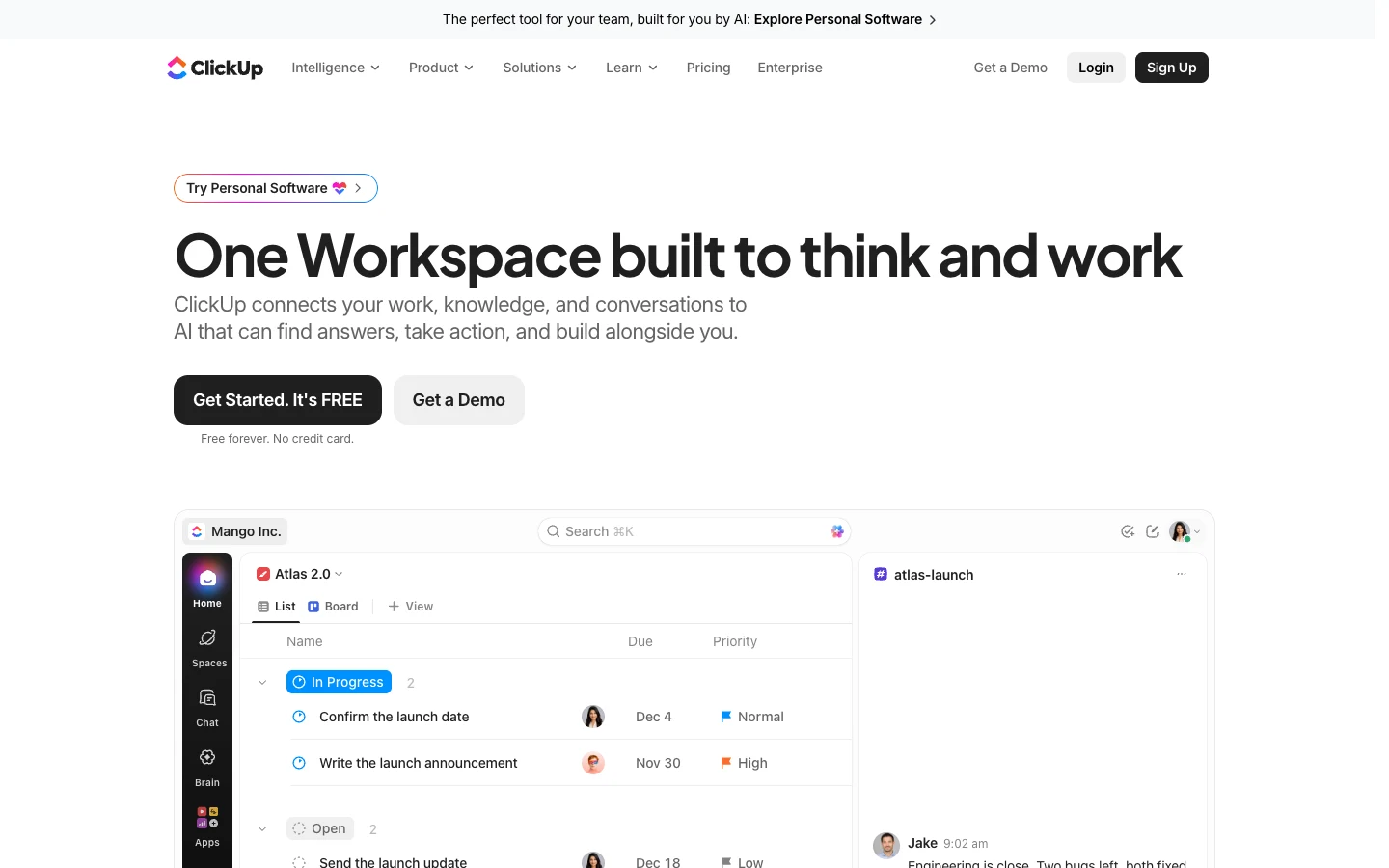
ClickUp is a project and work-management platform that combines tasks, documents and team conversations with AI assistance. Teams can organize owners, deadlines and project details in different views, then use Brain to answer questions from their work context. Super Agents handle delegated tasks and updates within that environment.
Put the project and its context together
Lists, boards and timelines provide different ways to examine the same work. Tasks hold the delivery details, while Docs keep specifications and explanations beside the project. This gives a question about progress a source in the actual assignments and supporting material, rather than a separate status document.
Ask questions or delegate a process
Brain searches workspace information and supported outside tools for answers linked to their sources. AI can also create presentations, dashboards and interactive applications from the work context. For a repeatable process, a visual canvas combines agent instructions, conditions and approval steps. A human approval pauses the run until someone decides whether it should continue.
Inspect results and share the work
A process can run manually or from a schedule or other trigger. Its run view shows progress and individual step results so failures can be investigated. For reporting, List and Table exports can include visible columns or a broader set of task fields. The exported table then provides a separate record for analysis outside ClickUp.
What can ClickUp do?
- 01
Plan tasks in multiple views
Organize ownership and project detail in lists, boards or timelines
- 02
Ask source-linked work questions
Search workspace context and tools such as Drive, GitHub or Salesforce
- 03
Write shared project documents
Keep specifications and explanations beside delivery work
- 04
Create AI artifacts
Produce presentations, dashboards and interactive applications
- 05
Delegate to Super Agents
Handle status updates and process handoffs
How do I get started with ClickUp?
- 1
Set up a project
Open your ClickUp Workspace and create a List for the work
- 2
Add the tasks
Enter the work to do, assign owners and set dates and status
- 3
Track progress
Use the List, Board or timeline view to review and update the tasks
- 4
Use project context
Open Brain to ask about the work or draft a project update
What does ClickUp work with?
- Google Drive
- Slack
- GitHub
- Salesforce
- Dropbox
- Box
- Microsoft OneDrive
- Microsoft SharePoint
- Figma
- Miro
- Make
- Zapier
- JSON
- CSV
- Excel
- JSON
Who is ClickUp for?
- Project delivery managers
Track assignments and produce status material
- Business operations analysts
Retrieve information spread across work tools
How much does ClickUp cost?
- Free plan · Unlimited tasks and 60 MB of storage, plus 500 workspace credits to try ClickUp Brain.
- or $9/user/mo billed yearlySave 25%
What are ClickUp's limitations?
Agent setup
The AI ClickApp must be enabled in the Workspace
Shared process editing
A collaborator needs Edit or Full edit permission
View exports
Collapsed groups are omitted; emailed download links expire after one hour
More tools like ClickUp
 Readwise
Keep reading highlights available for review and later writing
 Superhuman Docs
Build collaborative documents that also run trackers and business processes
 Fireflies.ai
Turn recorded conversations into searchable notes and follow-up material
 Beautiful.ai
Build branded presentations with layouts that adapt to the content
 Otter.ai
Turn meetings and interviews into searchable notes and transcripts
 Gamma
Turn ideas and source documents into presentations and visual pages
 Fathom
Turn customer calls into notes, CRM follow-up and coaching material
 tl;dv
Analyze meeting collections for customer feedback and sales coaching