Best AI App Builders
Compare AI app builders for prompts, code export and deployment.
Updated Nov 24, 2026

Build, test and publish applications through an AI coding agent

Build web interfaces and full-stack apps from designs or instructions

Build working web apps from requirements written in plain language

Build and publish web applications from a conversational brief
Related categories
What is an AI app builder?
An AI app builder turns a plain-language description into a working web app you can try in a live preview. Most also supply the backend, with sign-in, a database and hosting, so the result can go straight to a shared link.
What to look for in an AI app builder
- 01
Git sync
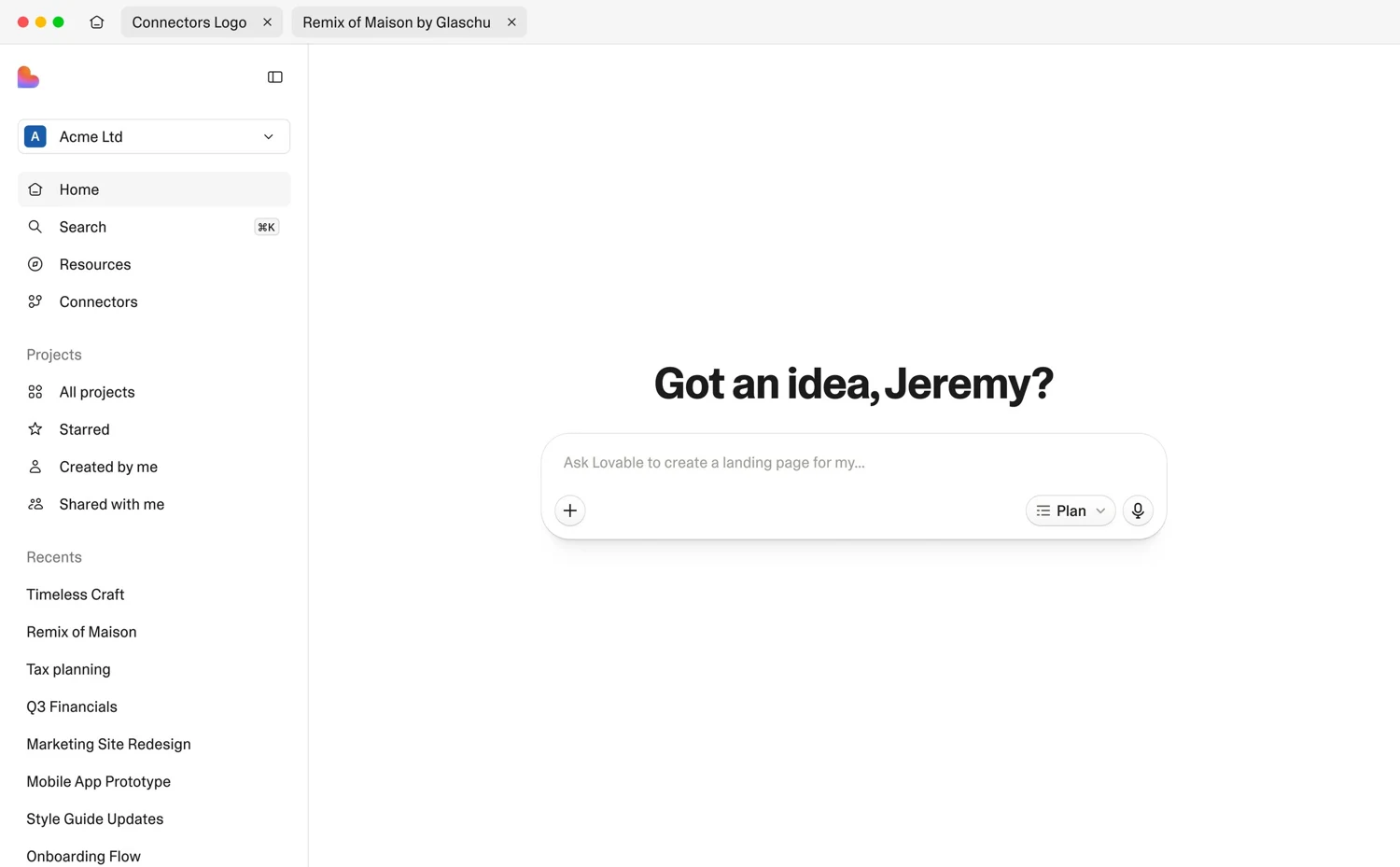
Lovable syncs to GitHub, GitLab or Bitbucket, and v0 keeps generated edits on a working branch with a preview deployment.
- 02
Import paths
Bolt imports Figma, Lovable and GitHub projects, while v0 takes a Figma file, a GitHub repository or a ZIP.
- 03
Backend included
Lovable adds a database and authentication, Replit offers built-in sign-in and managed SQL, and Bolt Cloud covers data and accounts.
- 04
Point and edit
Select an element in Lovable or Bolt, or use v0’s Design Mode, and describe the change instead of rewriting the prompt.
- 05
Where it publishes
Bolt hosts on a custom domain, v0 exports to Vercel or GitHub, and Lovable publishes a lovable.app address.
- 06
Agent testing
Replit’s Agent tests the app in a browser and reports findings, and Bolt exercises the project as it builds.
- 07
Import limits
Bolt rejects prompt attachments over 5 MB, and a Lovable project imported into Replit arrives without its database records and secrets.
Which AI app builder fits your work
Product founders
Turn a first specification into a working prototype.
LovableFrontend engineers
Add previewable interface changes to an existing repository.
v0Client-site agencies
Adapt templates into sites and storefronts for customers.
BoltProduct prototypers
Build and test a working app for stakeholder review.
ReplitHow does an AI app builder work?
Replit, Lovable and Bolt each go from a prompt to a live address in these three steps.
- 01
Describe
InputThe app idea and what success looks likeOutputA first running version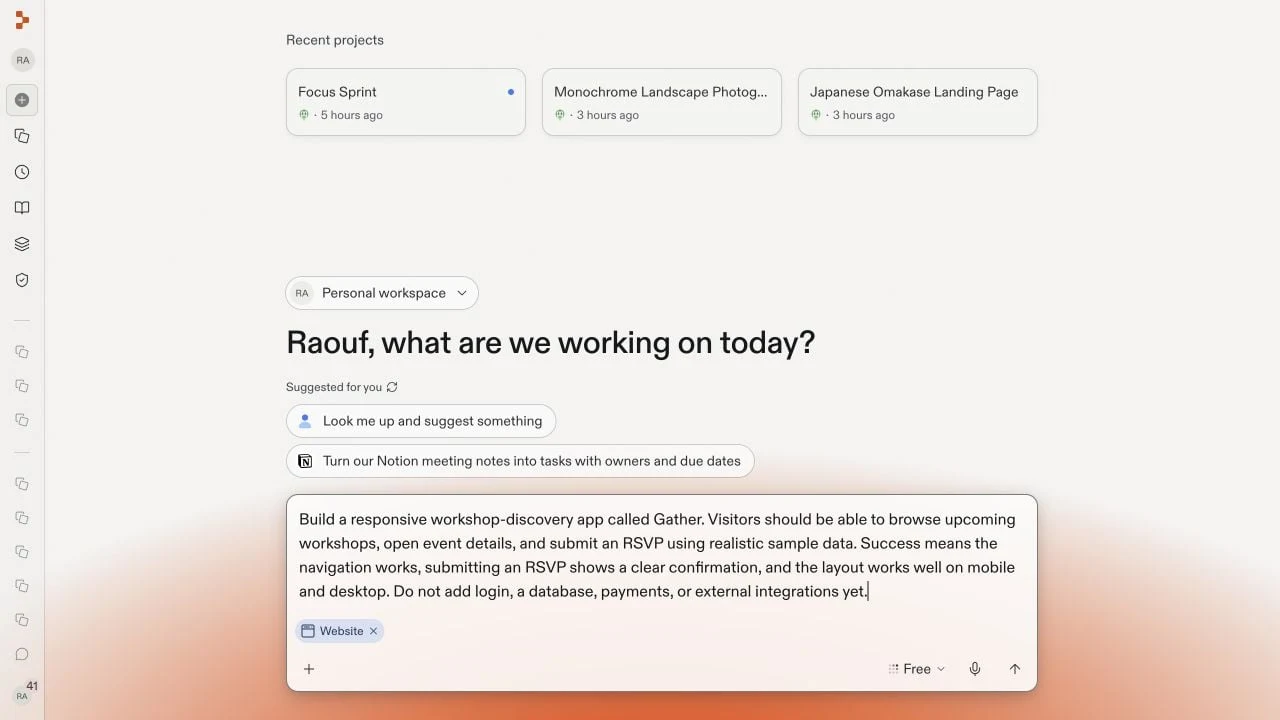 A prompt describing the Gather app in Replit
- 02
Refine
InputA change request or a selected elementOutputAn updated preview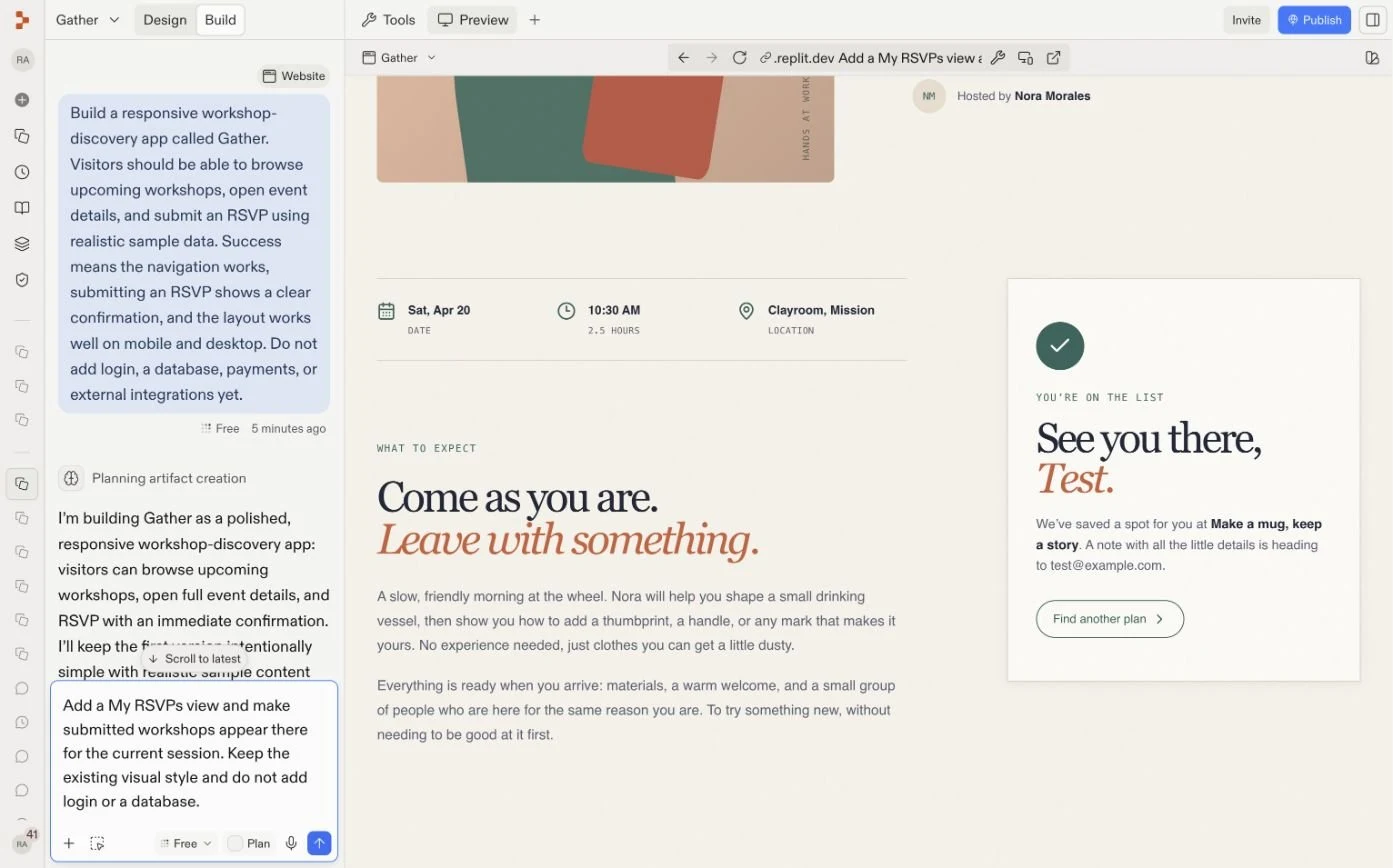 The Gather preview beside a change request in Replit
- 03
Publish
InputAccess and security settingsOutputA live web address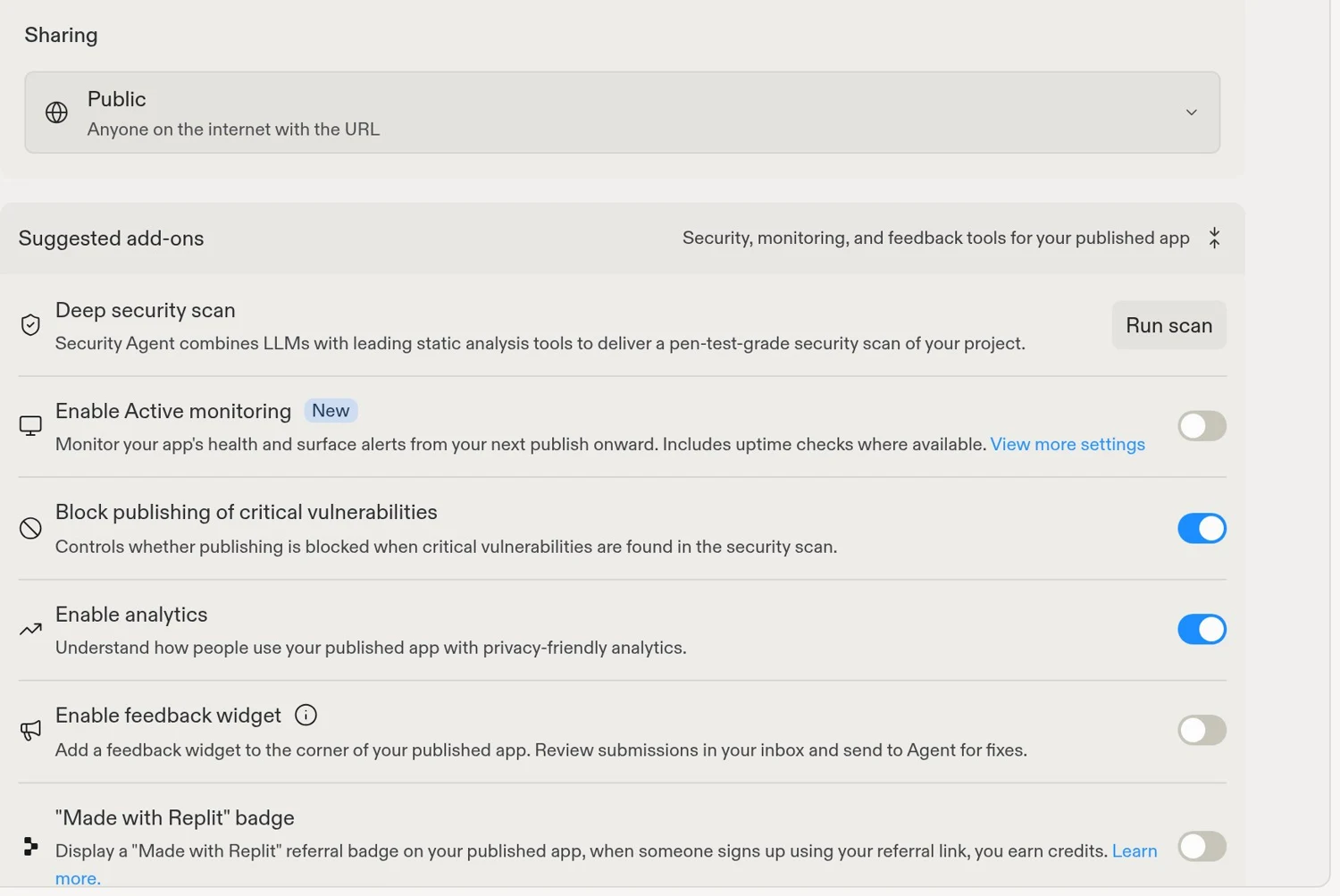 Sharing and security options for a published app in Replit
Frequently asked questions
Are there free AI app builders?
Yes. 4 listed AI app builders offer a free plan, including Replit, v0, Lovable. Use the Pricing filter to compare free, freemium, and paid options.
Which AI app builders have an iOS app?
2 have an iOS app, including v0, Lovable. Use the Platform filter to check other platforms.
How are these tools ranked?
Recommended order shows matching Pro listings first, then Basic, then free and editorial listings. Listings within each group are ordered by publication date. You can also sort by newest or by name.