Synthesia turns written scripts into multi-scene presenter videos with realistic avatars and dubbing for training and explainers. If you want finer studio delivery controls, a lower starting price, or a full timeline editor alongside avatars, the tools below are the closest alternatives.
Comparing alternatives to
SynthesiaFreemiumFrom $19/mo
Produce presenter-led training and onboarding videos from source material
Make presenter videos for lessons, product updates and localization
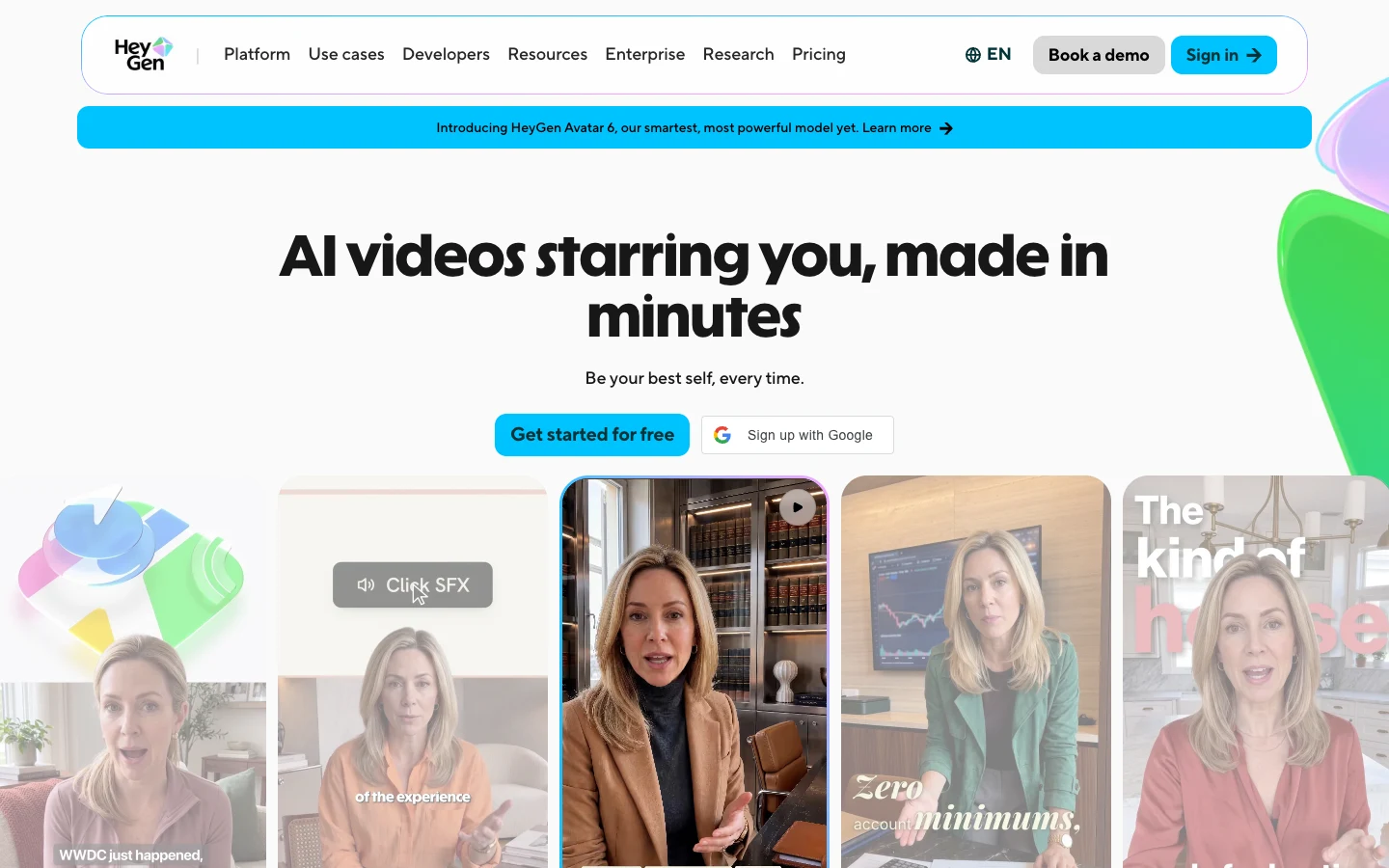
HeyGen makes AI avatar videos for training, product demonstrations and marketing. A stock presenter or custom likeness delivers a script, while scenes combine the spoken message with supporting visuals. Video translation also adapts recorded speech and lip movement for another language.
Key features
Generate avatar presentersControl delivery in AI StudioBuild from a brief
Best for
Course producers
Video localization specialists
Pricing
Freemium
3 watermarked videos per month, up to 1 minute each.
Create digital presenters for scripted videos and live conversations
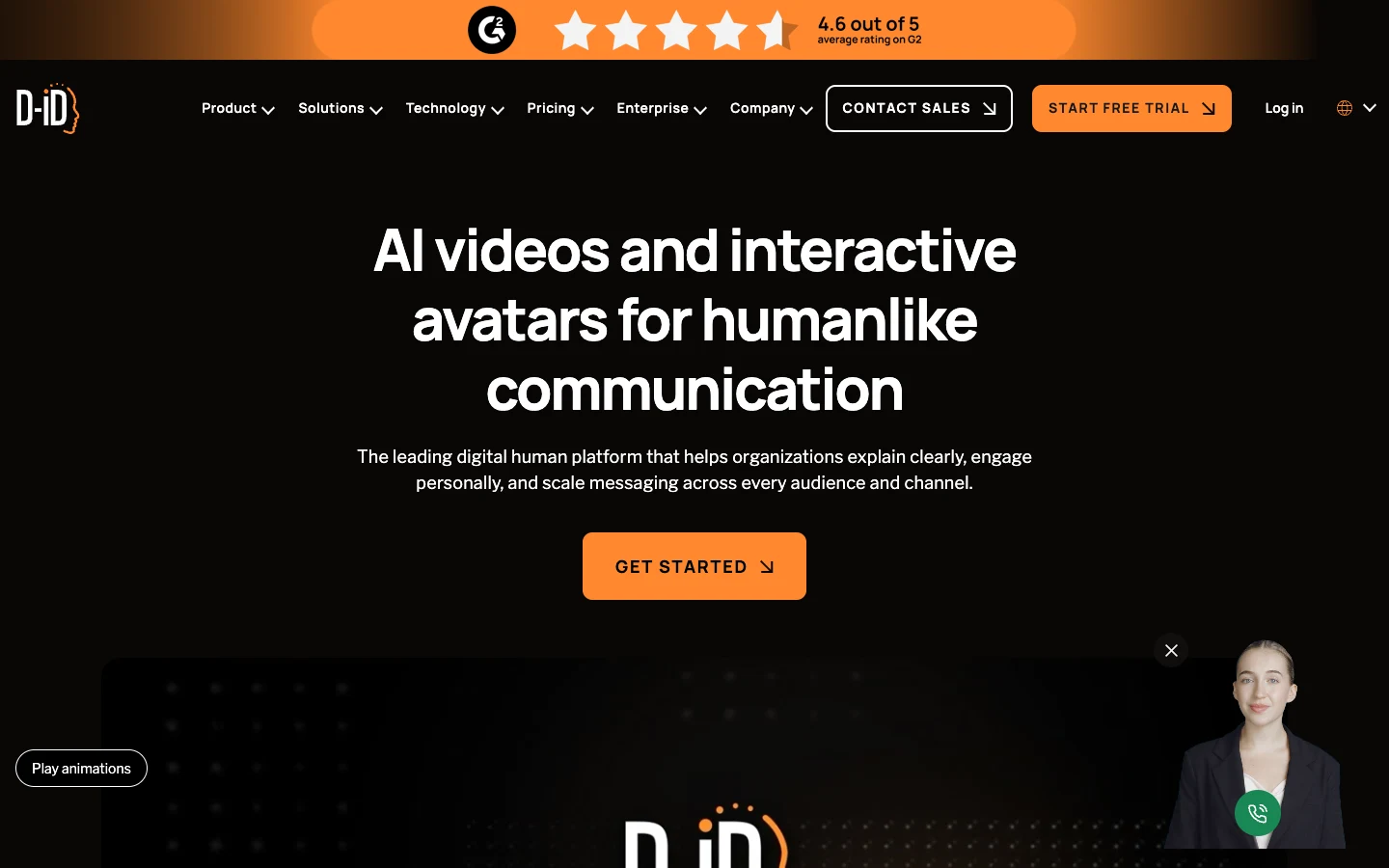
D-ID Studio assembles a presenter, a script, and a scene into a generated video. A project can use an avatar from the library or a supplied portrait. Narration can come from typed text, an uploaded recording, or a voice recorded inside Studio, so the starting material does not have to be a finished video.
Key features
Generate presenter videosCreate a digital presenterProduce language versions
Best for
Digital experience designers
Pricing
Free Trial
14-day trial with 3 minutes of video and a full-screen watermark.
Edit and caption videos in the browser for publication
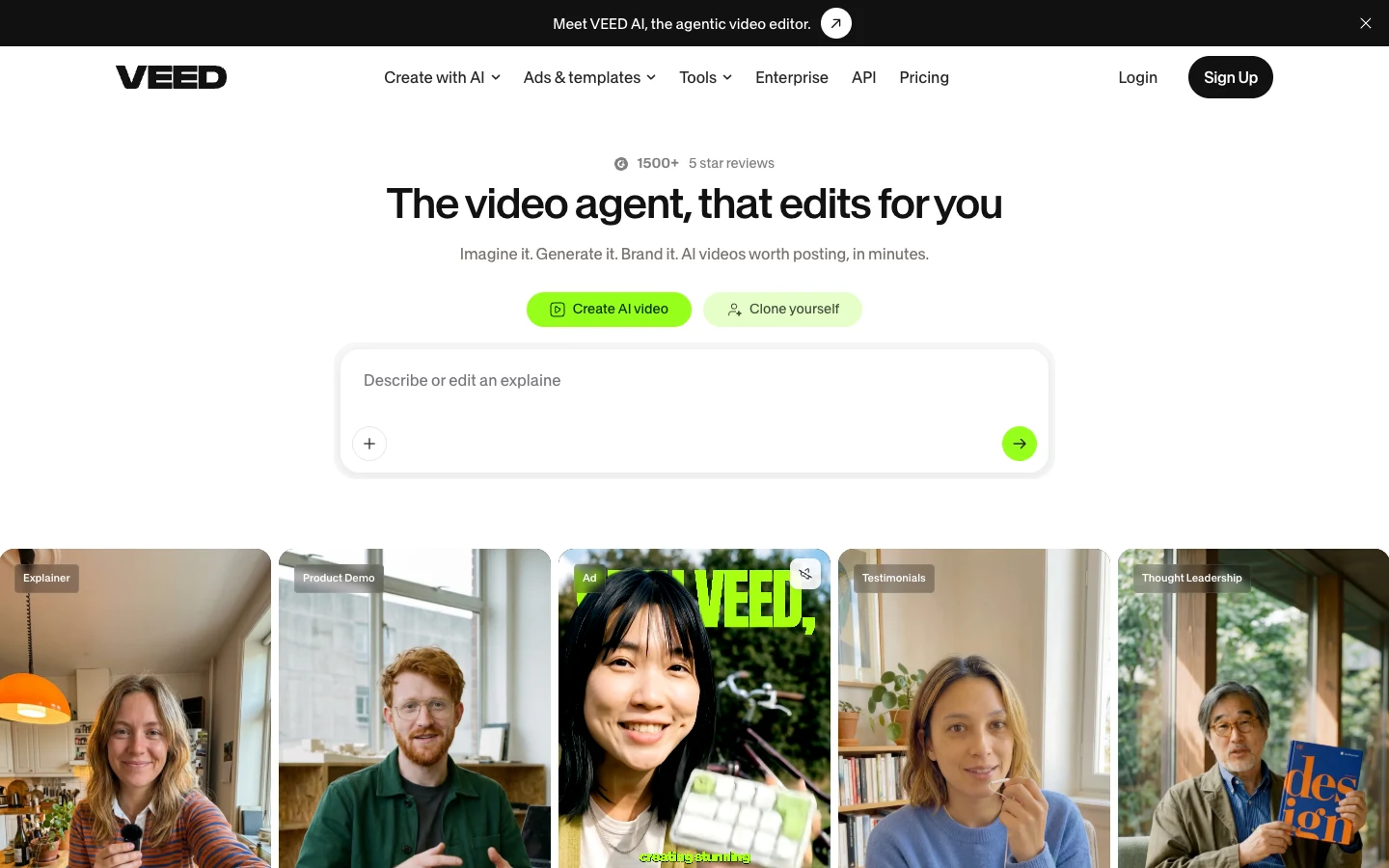
VEED is a browser video editor for creating, captioning and translating videos. It combines a timeline for supplied footage with AI-generated media, voice and avatar tools. A project can start with a recording or a written idea, then bring clips, sound and text together before rendering.
Key features
Arrange video clipsGenerate supporting mediaCaption spoken material
Create and localize video in a shared browser timeline
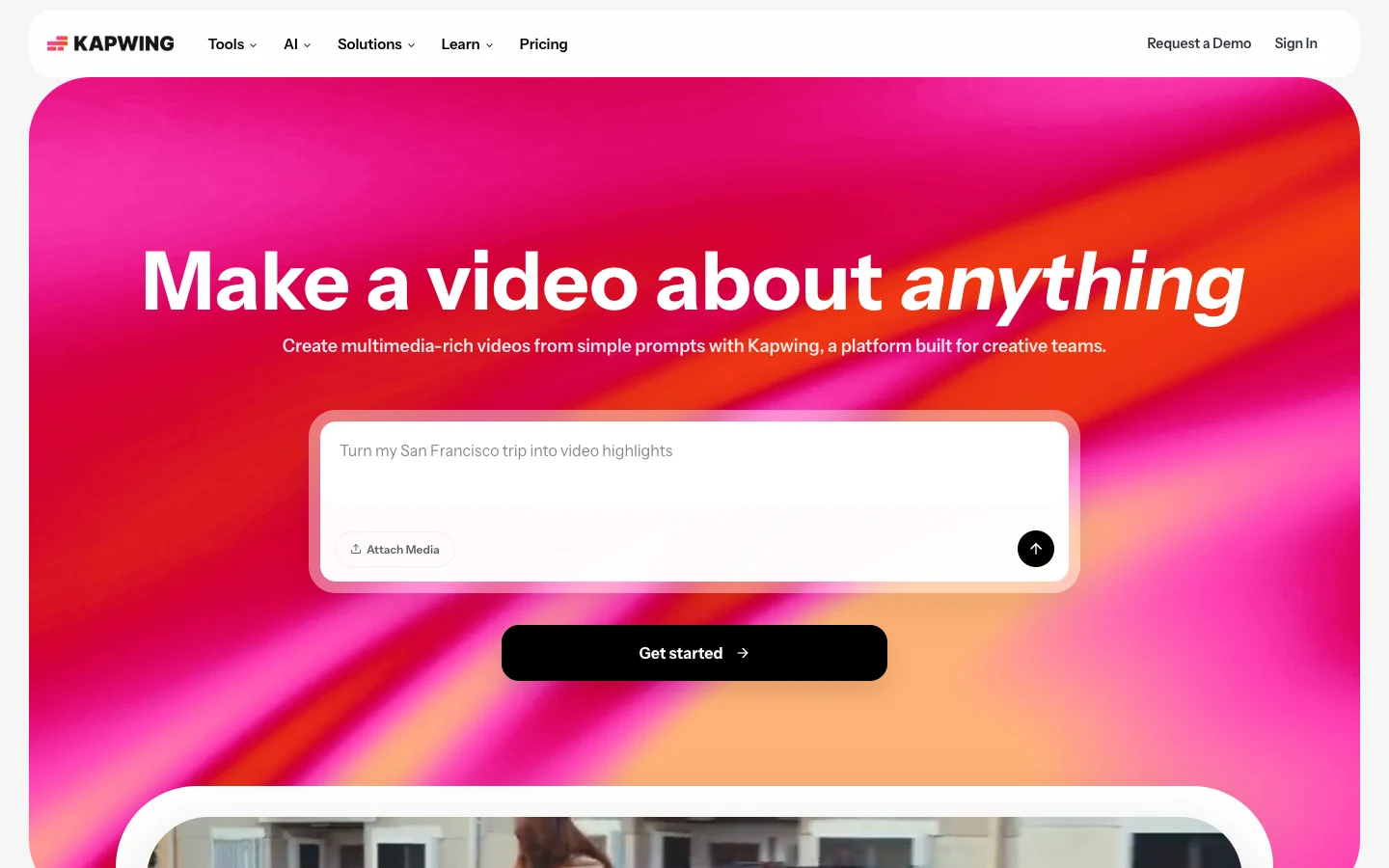
Kapwing is a browser video editor for creators and teams making captioned, localized and repurposed content. It combines a layered timeline with AI-generated drafts, transcript-based cuts and automatic subtitles. A project can start with uploaded media, a link or a prompt and remain editable as its picture, speech and timing change.
Key features
Generate layered video draftsEdit on the timelineCut through the transcript
Best for
Campaign video editors
Training localization producers
Pricing
Freemium
10 credits and watermarked 720p exports for videos up to 4 minutes.
Direct video edits through conversation while retaining timeline control
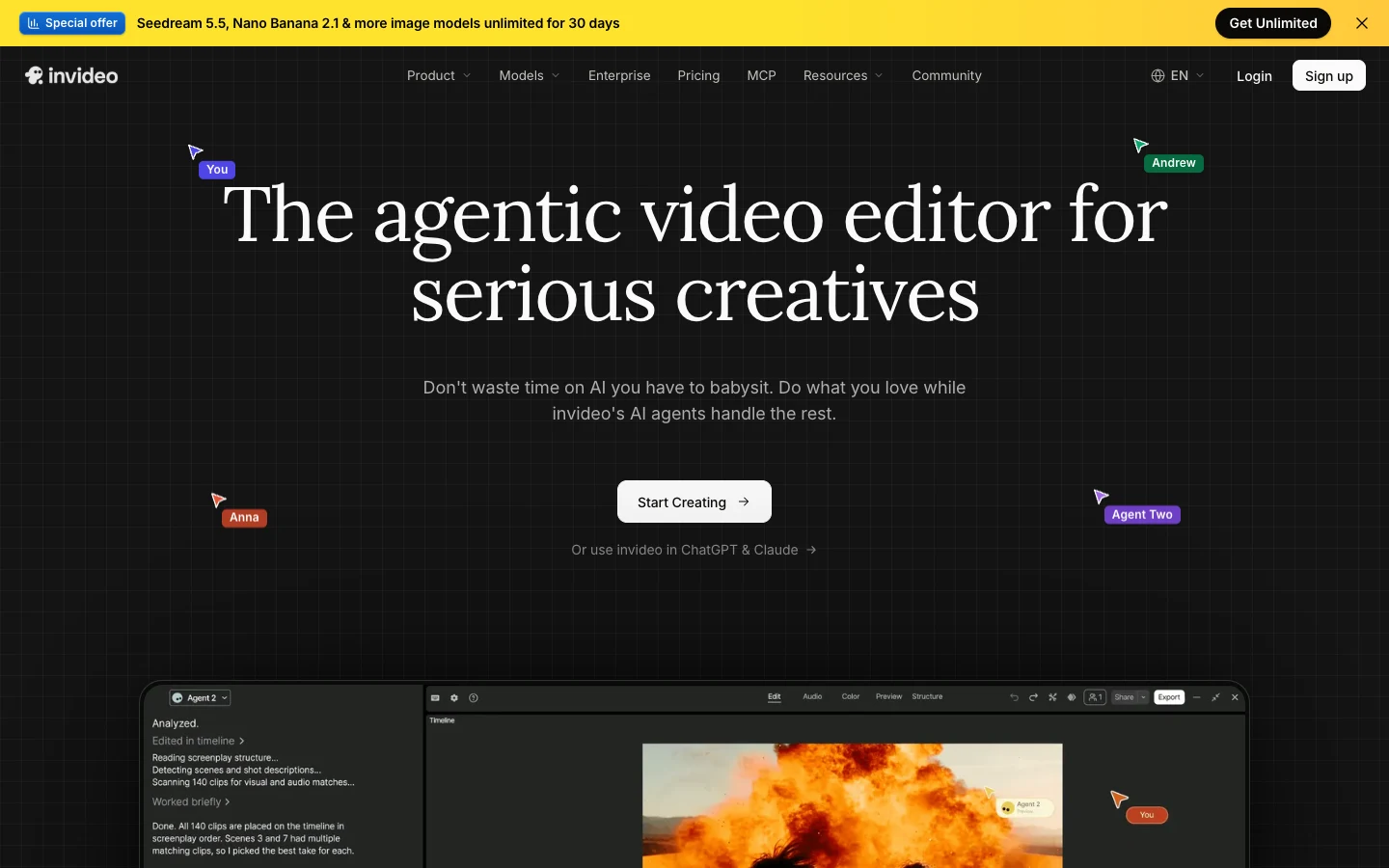
invideo is an AI-assisted video editor that turns supplied footage and a written editing direction into a reviewable cut. Its agents can find relevant moments, plan scripts and storyboards, and make changes across shots. The multitrack timeline remains available for direct adjustments to the resulting sequence.
Key features
Plan scripts and storyboardsFind moments by descriptionApply edits across shots
Best for
Video production editors
Pricing
Freemium
Manual editing and watermark-free exports; agent and media generation use credits.
Edit social videos with captions, generated media and voice tools
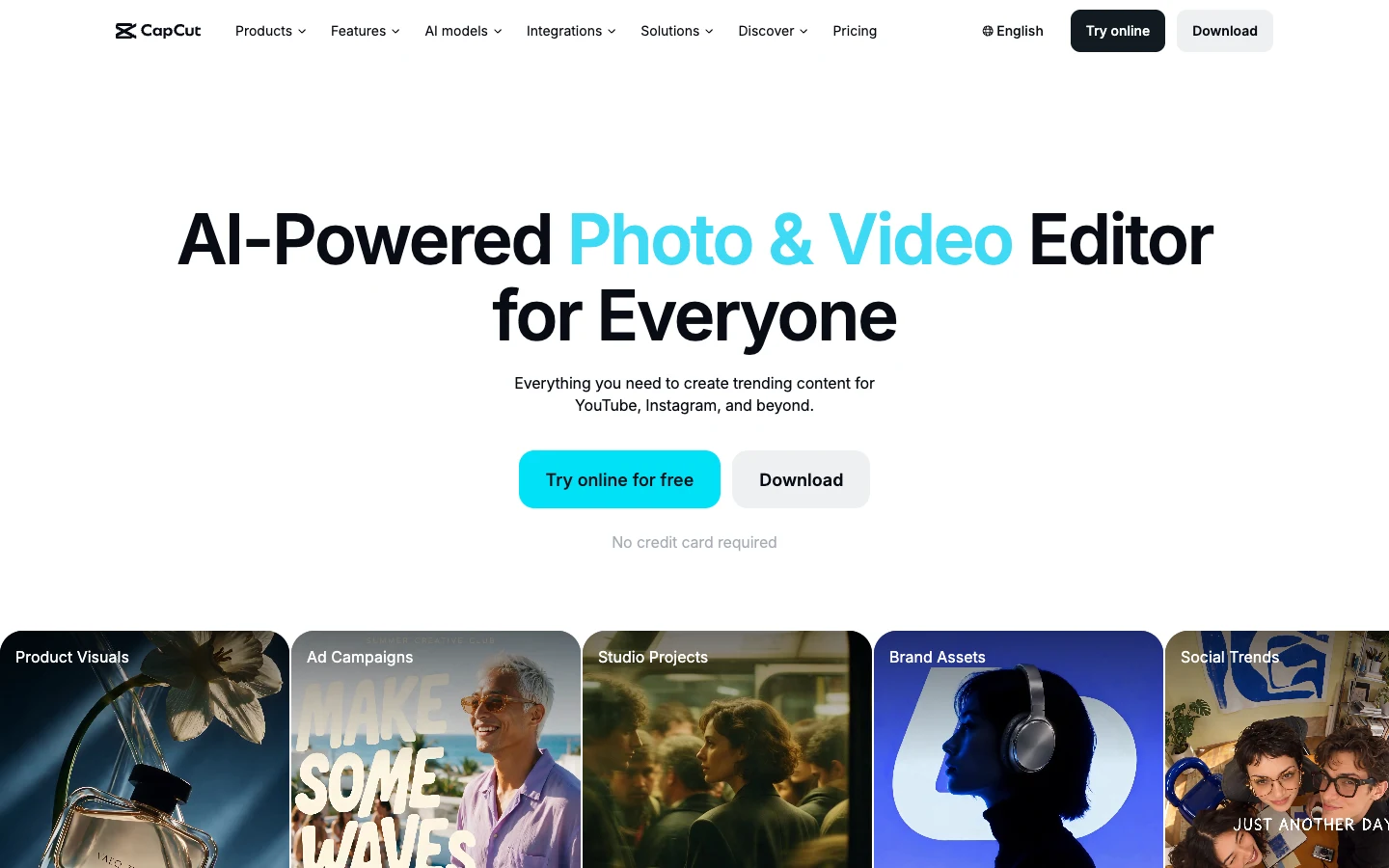
CapCut is a video editor for assembling clips, captions, sound and effects into finished videos. Creators can edit directly on a timeline or use AI to generate media, clean up speech and translate subtitles. Auto Cut provides an optional first edit based on music beats or speech pauses, while supported desktop versions accept written editing instructions.
Key features
Edit clips on a timelineDirect edits with EditPilotGenerate supporting media
Which Synthesia alternative is closest for dedicated avatar videos?
HeyGen is the most direct head-to-head alternative for realistic digital presenters, scene delivery controls and video localization.
Is there a lower-priced alternative to Synthesia for talking presenters?
Yes. D-ID offers a lower monthly starting tier ($5.90/mo) with a 14-day trial, while CapCut is an option if you only need lightweight talking-avatar clips alongside social video editing.
Which alternative works best if I also need to edit regular video clips?
VEED, Kapwing, invideo and CapCut each pair AI avatars with a full timeline editor, making it easier to combine presenter segments with screen recordings and captions.