
Consensus
Find scientific studies and compare the evidence behind a question
What is Consensus?
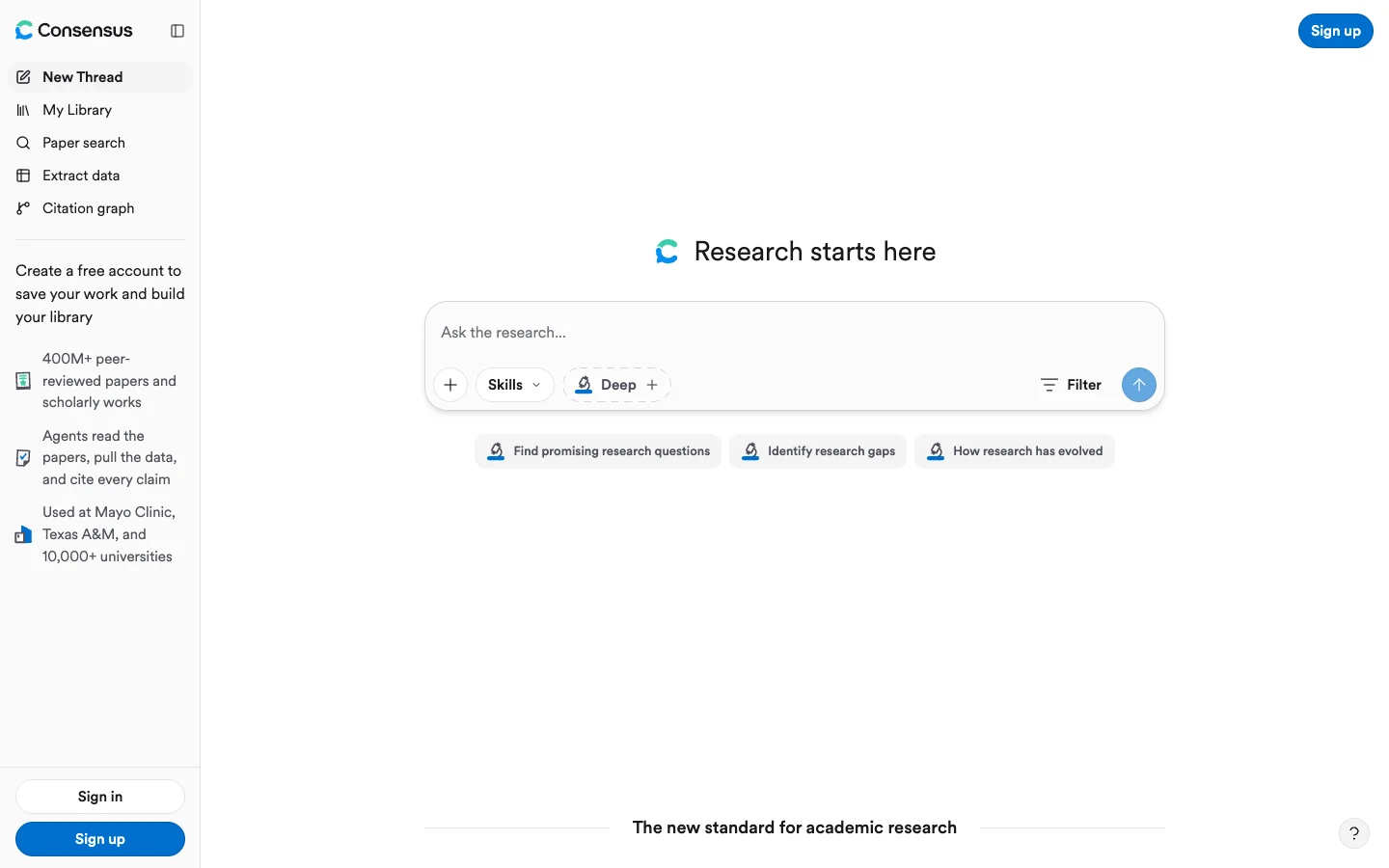
Consensus searches academic research and lets a question be answered from either its research database or a selected collection. A query can identify a topic, author, paper or DOI, and can include instructions about the form of analysis. Uploaded documents and saved papers can also become the source material for a continuing discussion.
Choose the research boundary
The source controls distinguish the full corpus, a medical subset and the personal library. Attaching particular papers or collections narrows the material further. Search can return a paper list without an AI summary, or use Pro or Deep analysis. Follow-up questions remain in the thread, allowing the investigation to become more specific after the initial answer.
Work with a collected library
Imported library folders retain their structure as linked collections. Re-importing adds newly collected papers and folders. Disconnecting a collection makes it independently editable in Consensus, but stops later imports from updating it. Individual papers can still be added or removed while the collection remains linked. Uploaded documents stay private unless included in a collection that is shared.
Take the references into writing
Exports can cover papers cited in an answer, the leading search results or the eligible result set. From the library, selection can instead follow individual papers, a collection or the current view. Bibliography output offers a choice of citation style, while reference-manager exports carry paper details into the next stage of research.
What can Consensus do?
- 01
Filter study results
Narrow papers by date, study type and sample size
- 02
Inspect study snapshots
Compare methods and outcomes with cited sources
- 03
Run Deep Reviews
Investigate a question across multiple studies
- 04
View the Consensus Meter
See how research divides on yes-or-no questions
- 05
Trace citation paths
Follow references and later citing papers with the Research Agent
- 06
Compare a paper collection
Build tables and explore possible research gaps
How do I get started with Consensus?
- 1
Create an account
Open the Consensus sign-up page and register with email or Google
- 2
Set your search
Open consensus.app/search, enter a research question and choose Pro or Deep
- 3
Choose the evidence
Use + to attach papers, upload documents or select the corpus, then submit the question
- 4
Review and continue
Read the results and ask follow-up questions in the same thread, or use More > Export to save the references
What does Consensus work with?
- Zotero
- Paperpile
- ChatGPT
- Claude Desktop
- Zotero
- CSV
- RIS
- BibTeX
- Zotero
- EndNote
- Mendeley
- Paperpile
Who is Consensus for?
- Literature-review authors
Compare findings and retain the studies supporting the review
How much does Consensus cost?
- Free plan · Unlimited paper searches, plus 10 Pro messages, 3 Deep reviews and 10 Study Snapshots per month.
- or $12/mo billed yearlySave 40%
What are Consensus's limitations?
Document uploads
Select up to 20 PDFs at a time; the file-size limit is 50 MB
Zotero imports
The entire library is imported in one direction; individual-collection imports and automatic synchronization are not supported
Imported Zotero items
Only journal articles participate in library search and analysis
Zotero attachments
Externally stored PDF links are not imported; full-text files must be stored in Zotero and available for file syncing
Collection chat
Available in Pro or Deep search mode
More tools like Consensus
 Harvey
Research legal questions and analyze matter documents for legal practices
 Gemini Notebook
Study and brief from a notebook of your own research sources
 You.com
Add web search, page extraction and cited research to AI applications
Usage-based pricing
 Scite
Inspect how later research supports or challenges a scientific finding
 SciSpace
Read scientific papers with explanations of passages, equations and tables
 Jenni
Write academic drafts with a research library and linked citations