
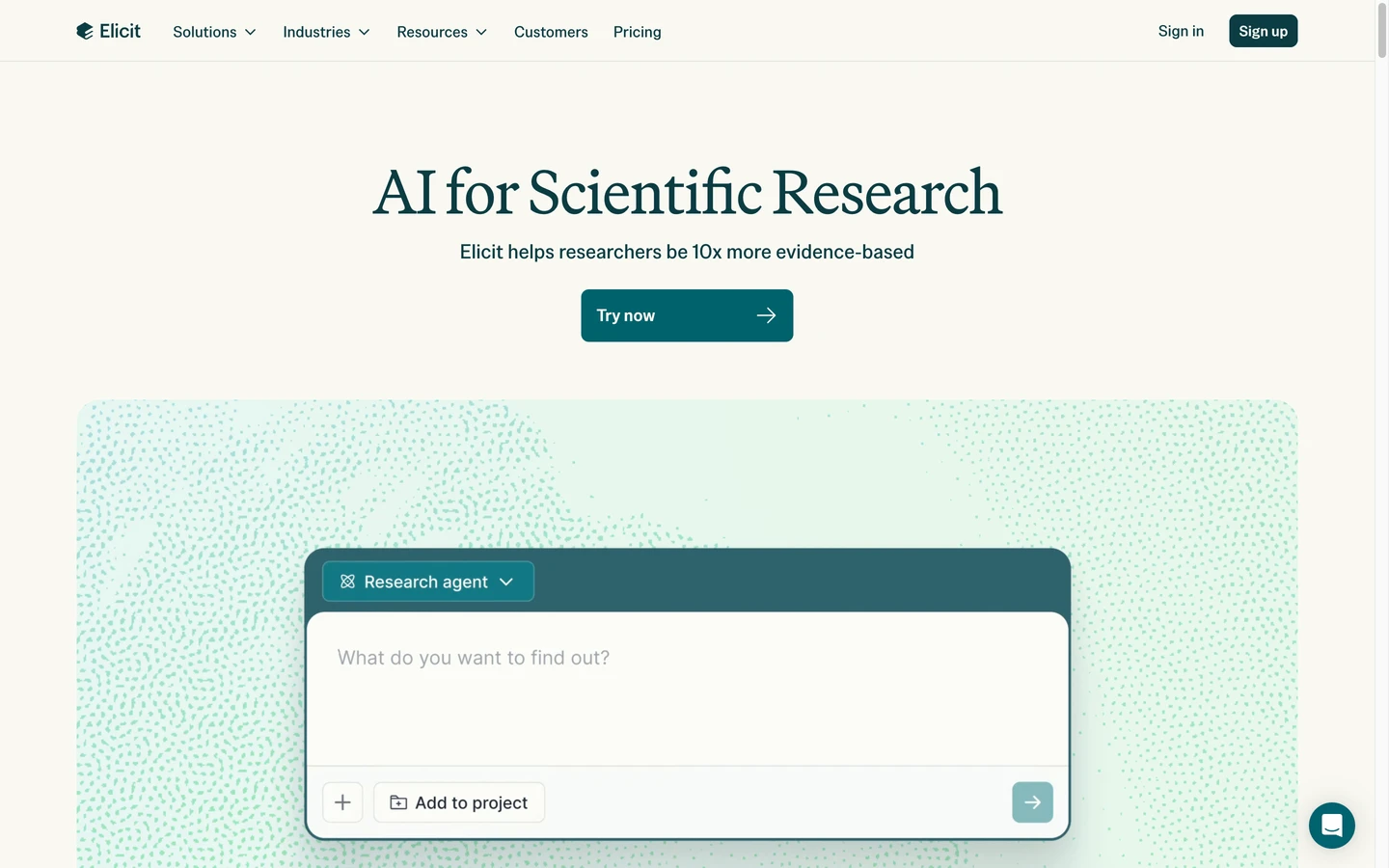
What is Elicit?
Elicit is a research service for investigating questions through academic papers and supporting material. Its home page offers three starting points with different degrees of structure: Research Agent, Research Report and Systematic Review. The choice determines whether the work stays conversational or follows a defined evidence-review process.
Explore an open research question
A Research Agent session combines access to academic literature, the wider web and uploaded resources. A question can lead from finding studies into extracting information, examining one paper and synthesizing a broader answer. The requested output can also change during the conversation, from a table of findings to a summary, slide deck or figure.
Get an overview or run a structured review
Research Reports turn a question into a referenced account of the topic. They suit an initial overview before a more detailed investigation. Systematic Review takes a more controlled route through gathering papers, deciding which qualify, extracting the selected data and producing a PRISMA-style report. The researcher defines the selection criteria and the information to compare.
Bring a paper collection into the work
Uploaded papers can be discussed inside an Agent session alongside the search results. A reference-manager collection provides another source of documents for the library. This gives research a starting body of material even when the papers have already been collected elsewhere.
What can Elicit do?
- 01
Search papers by meaning
Use a research question without relying on exact keyword matches
- 02
Extract evidence into tables
Compare selected information across studies
- 03
Screen a systematic review
Organize paper selection and extraction steps
- 04
Generate cited reports
Assemble findings with links to supporting sources
- 05
Refresh a research topic
Use Routines to revisit work as evidence changes
How do I get started with Elicit?
- 1
Choose Research Report
Open elicit.com and select the report option for an initial topic overview
- 2
Ask the research question
Enter what you want to investigate and let Elicit assemble the referenced report
- 3
Read and save the result
Inspect its cited papers, then export the report as PDF or Word
What does Elicit work with?
- DOCX
- XLSX
- PPTX
- JPG
- Zotero
- Word document
Who is Elicit for?
- Systematic-review researchers
Screen studies and compare extracted findings
- Policy evidence analysts
Assemble source-linked research for a policy question
How much does Elicit cost?
- Free plan · Unlimited paper searches, summaries and full-text paper chat, with limited Research Agent and Reports use.
- or $11/user/mo billed yearlySave 42%
- Academic plan; industry pricing differs
What are Elicit's limitations?
Agent uploads
Each session accepts up to 100 resources with a combined size of 10 GB
Zotero updates
Imports are one-way; new items require re-importing, and deleted Zotero items stay in Elicit
Shared Zotero collections
Imports from shared collections are unsupported
Elicit FAQ
Is an API available?
Yes. Pro includes API access; enterprise API allowances depend on the plan.
More tools like Elicit
 Harvey
Research legal questions and analyze matter documents for legal practices
 Gemini Notebook
Study and brief from a notebook of your own research sources
 You.com
Add web search, page extraction and cited research to AI applications
Usage-based pricing
 Scite
Inspect how later research supports or challenges a scientific finding
 SciSpace
Read scientific papers with explanations of passages, equations and tables
 Jenni
Write academic drafts with a research library and linked citations