
Anyword
Compare marketing copy using audience and campaign performance signals
What is Anyword?
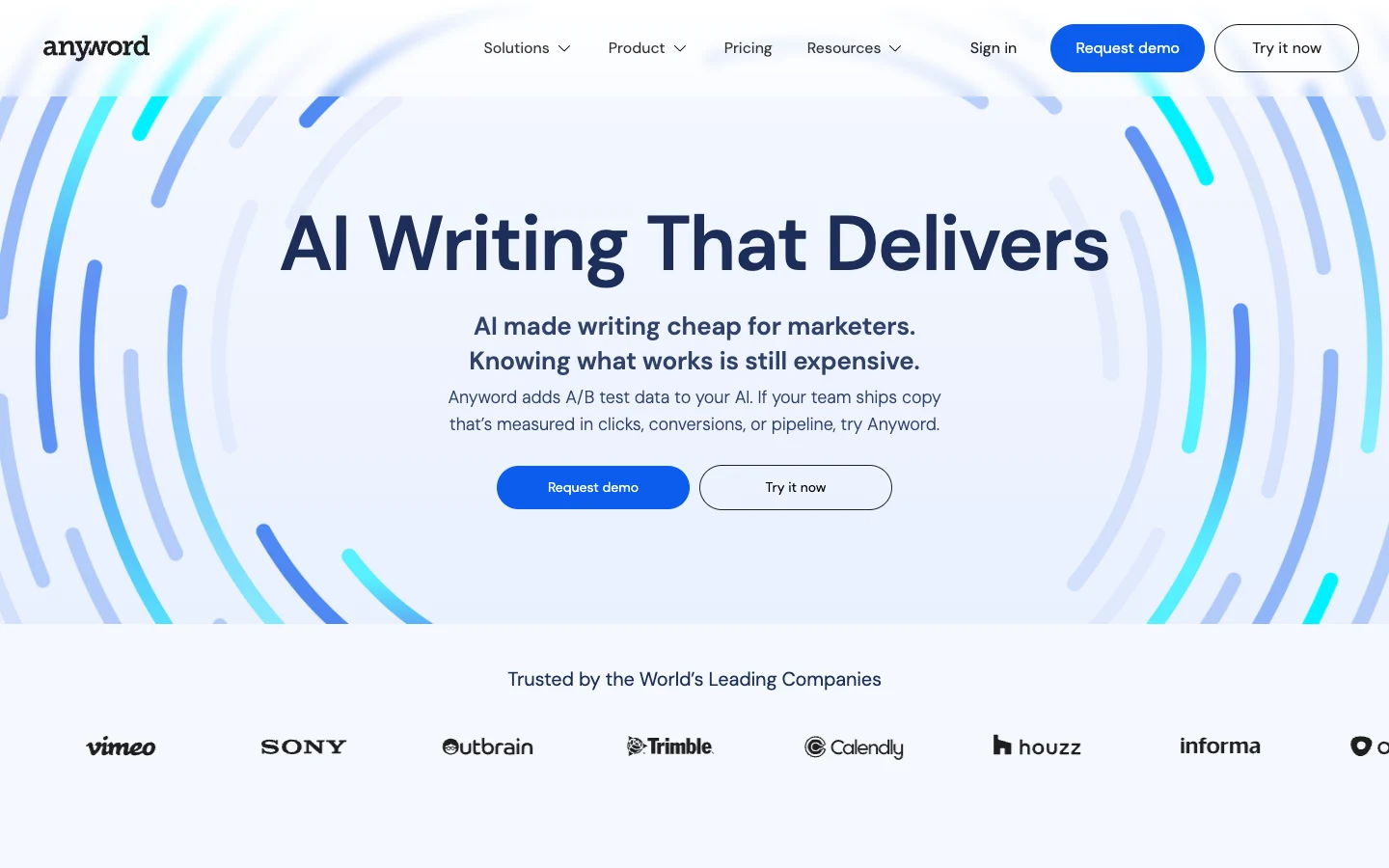
Anyword is an AI copywriting platform for marketing teams that want to compare content before publishing. It generates variations for an audience and channel, and scores their predicted performance. Brand examples and campaign data give the writing more specific context, while Blog Wizard supports longer articles.
Compare copy for an audience and channel
Start with the product, intended audience and the kind of content you need. Anyword generates alternative wording and assigns predicted performance scores, giving a marketer a way to compare candidates before publishing. The prediction relates to the audience, goal and channel, so the writing brief matters as well as the text itself.
Write in the brand's voice
Brand examples and customer personas give generation concrete context. Power Mode can use samples of the organization's writing to guide tone, while campaign data informs the performance side of the task. An editor can revise the candidates and keep the version that fits the message, with the scoring serving as another input to that choice.
Build articles and learn from campaigns
Blog Wizard develops a longer piece through headline, outline and introduction before expanding the body. Sections remain editable as the article takes shape. Content Intelligence examines published content and performance information, helping a team use what it learns from campaigns when preparing the next set of marketing assets.
What can Anyword do?
- 01
Generate copy alternatives
Create variations for the intended channel and audience
- 02
Score predicted performance
Estimate engagement or conversion potential before publication
- 03
Analyze campaign content
Inspect published material and performance data with Content Intelligence
- 04
Draft longer articles
Build marketing posts with Blog Wizard
How do I get started with Anyword?
- 1
Begin the article
Sign in to Anyword, create a Blog Wizard project and describe the subject in the blog brief
- 2
Set the structure
Choose a headline and review the generated outline and introduction, editing or regenerating them as needed
- 3
Finish in the editor
Generate body paragraphs, add or remove sections and rephrase the draft until it is ready to use
What does Anyword work with?
- Sprinklr
- InRiver
- Salesforce
- Wrike
- LinkedIn Page
- ChatGPT
- Gemini
- Sitecore
- Salsify
- Iterable
- Outreach
- Eloqua
- Sprinklr
- InRiver
- Salesforce
- Sitecore
- Iterable
- Outreach
- Eloqua
- Braze
- Marketo
- Gong
- HubSpot
- Google Drive
- Sprinklr
- InRiver
- Salesforce
- Wrike
- LinkedIn Page
- Sitecore
- Salsify
- Iterable
- Outreach
- Eloqua
- Braze
- Facebook Page
Who is Anyword for?
- Paid-media copywriters
Compare ad messages before a campaign
- Marketing analytics specialists
Connect prior results to the next content brief
How much does Anyword cost?
- Free trial · 7-day free trial.
- or $39/mo billed yearlySave 20%
- Includes 1 seat
More tools like Anyword
 Jasper
Create marketing campaigns using company knowledge and brand guidance
 DeepL
Translate business text and documents with consistent terminology
 Grammarly
Revise grammar, clarity and tone while you write
 QuillBot
Rephrase drafts, condense source text and prepare citations
 Jenni
Write academic drafts with a research library and linked citations
 Wordtune
Refine English drafts through alternate wording, tone and length