
OpenRouter
Access multiple model providers through one application API
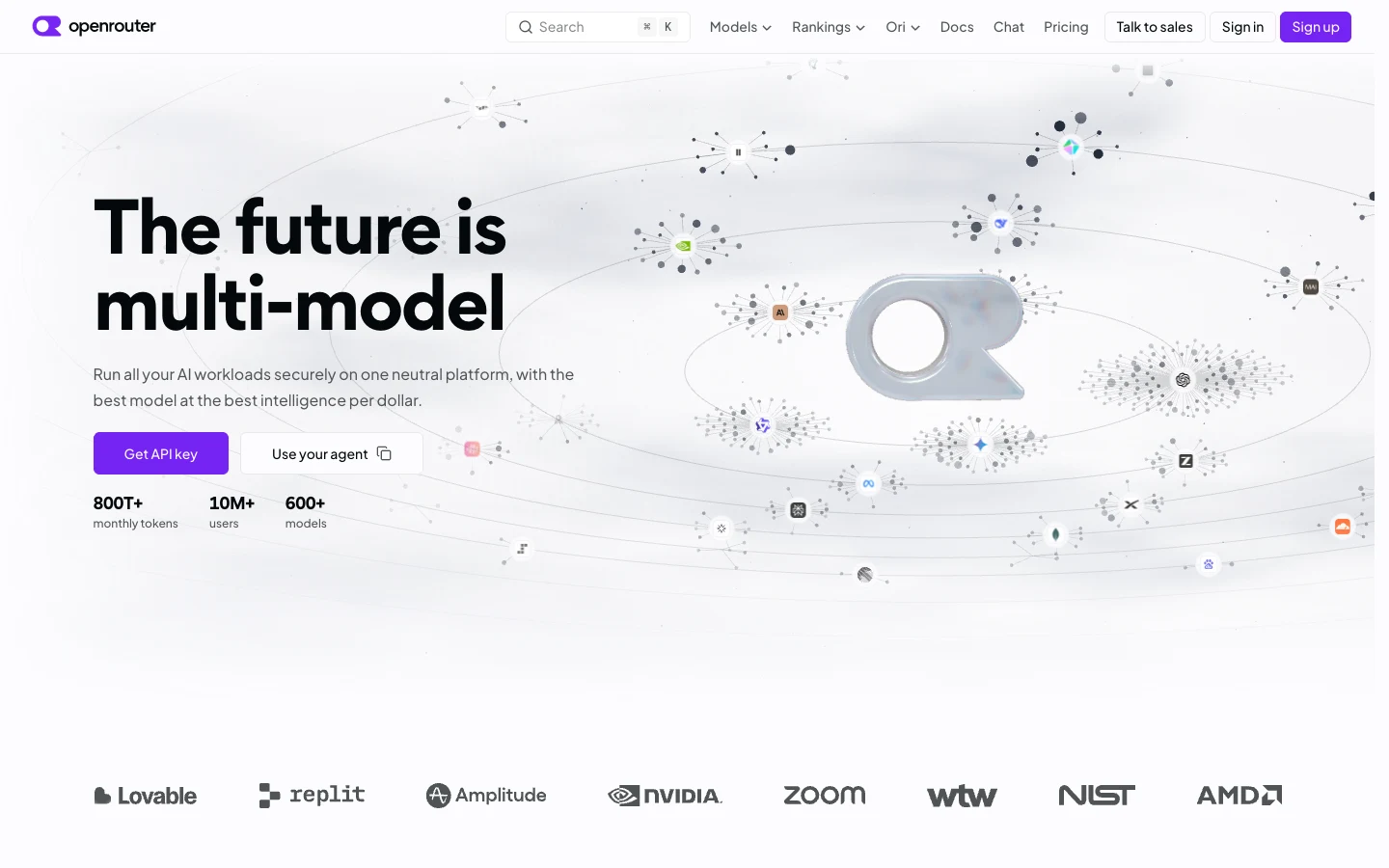
What is OpenRouter?
OpenRouter gives an application a common entry point to a catalog of AI models. Requests specify a model and input, while the service handles provider selection and fallback behavior. The same integration can therefore be used to explore different models without building a separate client for each provider.
Try models with the same prompt
The web chat provides a place to compare responses before adding a model to an application. A developer can test the kind of input the app will actually receive, then use the chosen catalog model through the common API. Changing the model does not require a separate provider client for each experiment.
Keep requests running across providers
Routing determines which provider serves a request. You can guide that choice around your application's needs, including which providers may process the input and how data is handled. Fallback gives a request another destination when a provider cannot serve it. Provider keys can also be supplied when a team wants to use its own provider arrangements through the same access layer.
Build and monitor the application
Direct HTTP calls and SDKs offer different ways to integrate the service. For tool-using agents, the Agent SDK manages repeated model turns and tool execution around a task. Keys and activity can be separated by workspace, and request records help a team see which models it is using and where inference spending goes.
What can OpenRouter do?
- 01
Route requests between providers
Choose destinations and use fallback when one cannot serve the request
- 02
Compare models in web chat
Try prompts before adding a model to an application
- 03
Control inference spending
Apply supported budgets and inspect request activity
- 04
Separate API access
Organize keys and activity by workspace
How do I get started with OpenRouter?
- 1
Create an API key
Sign in to OpenRouter, open the API keys page and choose a name and credit limit
- 2
Send a test request
Call /api/v1/responses with the key as a Bearer token, a model slug and an input prompt
- 3
Read the answer
Inspect the completed response or print output_text with the OpenAI SDK example
What does OpenRouter work with?
- OpenAI SDK
- Claude Code
- Cursor
- Codex
Who is OpenRouter for?
- LLM application engineers
Compare and switch models through a common endpoint
- AI platform operators
Separate inference access for test and production environments
How much does OpenRouter cost?
- Free plan · 50 requests per day across more than 25 free models.
What are OpenRouter's limitations?
Key credit limits
Requests stop at the configured cap until it is raised or the daily, weekly or monthly period resets
EU routing
The European endpoint requires Business or Enterprise access and an EU-eligible model