
Murf
Direct script narration and build voice experiences for applications
What is Murf?
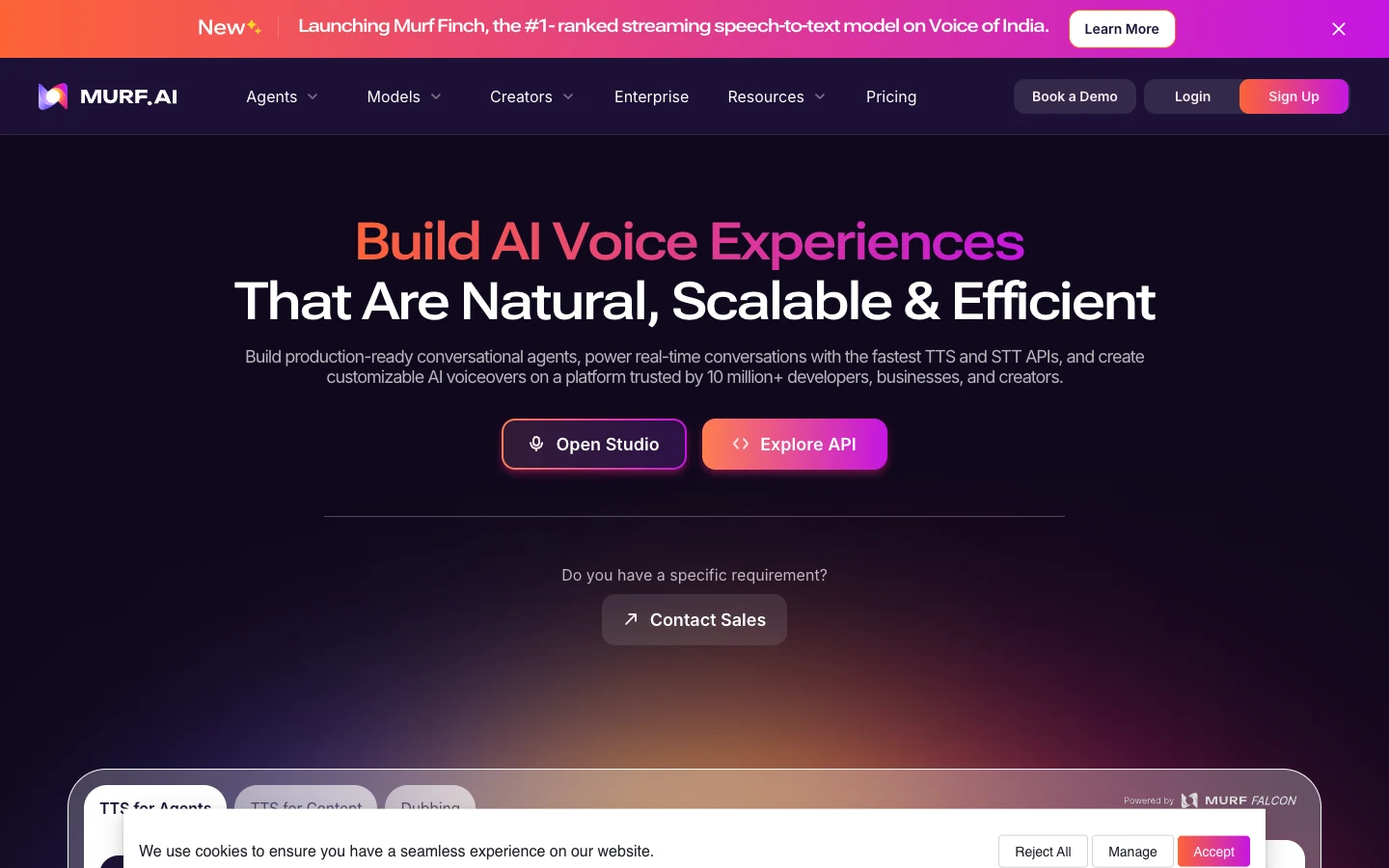
Murf is an AI voice platform with two sides: Studio, where creators turn scripts into voiceovers for videos, courses and presentations, and a text-to-speech API that developers use to give voice agents and apps fast, natural speech. Dubbing and voice cloning sit alongside both.
From script to voiceover in Studio
A Studio project starts with a script, pasted in or imported from a Word or text file, which Murf splits into blocks. Each block gets a voice from a large library that can be filtered by language and style. Pitch, speed, pauses and emphasis can be adjusted, and a pronunciation library keeps names and specialist terms consistent. You can render and preview one sentence, one block or the whole timeline before export, and add music or video to produce a finished voiceover video.
Dubbing and reworked recordings
Dubbing translates video and audio into more than 20 languages, with a script editor for correcting the translation before the new voices are generated. An existing recording can also be transcribed and re-voiced with an AI voice, and you can clone your own voice for use in projects.
Speech for voice agents
For developers, the API offers streaming text to speech on Murf's Falcon and Gen2 models, plus streaming speech to text, aimed at voice agents for customer support, reservations and sales calls.
What can Murf do?
- 01
Generate script narration
Turn supplied text into spoken audio
- 02
Direct voice delivery
Adjust pacing, pitch, pauses, emphasis and pronunciation of names or specialist words
- 03
Change or clone a voice
Create the chosen vocal identity for a project
- 04
Dub recorded material
Translate audio or video into another language version
How do I get started with Murf?
- 1
Open Studio
Sign in at murf.ai and choose Open Studio to start a voiceover project
- 2
Add the script
Paste your text or import a Word or text file, then choose how it splits into blocks
- 3
Pick voices
Assign a voice to each block and adjust pitch, speed and pauses where needed
- 4
Render and preview
Click the play buttons to hear a sentence, a block or the whole timeline
- 5
Export
Download the finished voiceover in the format and quality you need
What does Murf work with?
- Microsoft PowerPoint
- Google Slides
- MP4
- MOV
- AVI
- MKV
- MP3
- WAV
- AAC
- SRT
- MP4
- MKV
- AVI
- MOV
- MP3
- WAV
- AAC
- SRT
- VTT
- Microsoft PowerPoint
- Google Slides
Who is Murf for?
- Learning-content producers
Update lesson narration when scripts change
- Voice application engineers
Add interactive speech to a product
How much does Murf cost?
- Free plan · 10 projects and 10 minutes of voice generation; downloads and commercial use are excluded.
- or $19/mo billed yearlySave 34%
- Includes 1 editor
What are Murf's limitations?
Studio script import
Each upload or paste is limited to 15,000 words; longer scripts can be split, and SRT imports are exempt
Audio to Text uploads
The direct upload route is capped at 45 minutes; longer files can enter through Add Media for timeline transcription
Audio to Text media
Direct upload removes the original media; the Add Media route retains video but still removes its original audio
Google Slides transfer
The Google and Murf accounts must be linked to move presentations into Studio
Quality-assured dubbing
This option requires Enterprise; trial and pay-as-you-go accounts use automated dubbing
More tools like Murf
 Speechify
Listen to documents and use speech to work through reading material
 ElevenLabs
Create narration, dubbed speech and sound for audio productions
 Mubert
Create music fitted to a video, podcast or application
 AIVA
Compose music from styles and references, then continue editing
 Suno
Turn lyrics and musical ideas into songs for writers and producers
 Notta
Transcribe conversations and turn their findings into working documents