
Speechify
Listen to documents and use speech to work through reading material
What is Speechify?
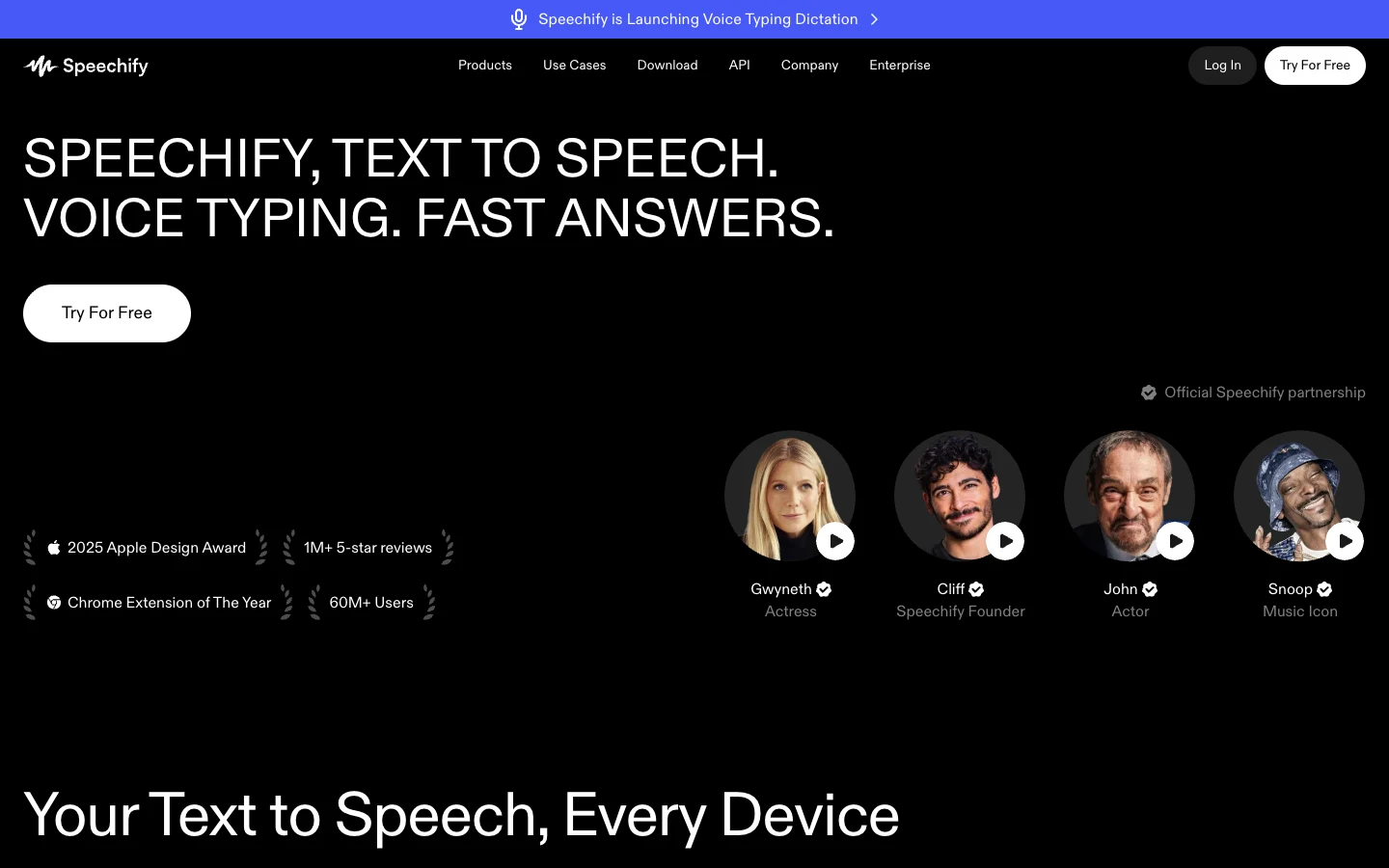
Speechify is a text-to-speech assistant for listening to documents, webpages and scanned reading material. Students and other readers can follow highlighted words while adjusting the voice and playback speed. Its apps and browser extensions keep listening close to the material, while a library stores documents for later.
Turn reading material into audio
Import a document from your device or a supported storage service, then open it for playback. Scanning a printed page provides another route through text recognition. When a document has multiple columns, cropping and reading-area adjustments can put its text in the intended order, so listening follows the content rather than unrelated page elements.
Listen, then work with the ideas
Playback controls change the pace and voice for the reading session. Questions, summaries and quizzes provide ways to review the material, and an audio podcast can turn a document or topic into a spoken show. Saved documents remain in the library, where folders and search help retrieve them for another session.
Use speech to create material
Dictation turns spoken input into editable notes and messages. Speechify AI Studio is a separate production route for creating downloadable voiceovers and video; the reader's document-listening experience and Studio's media exports serve different jobs. Slides can also use library material, an uploaded document or pasted text to produce a presentation.
What can Speechify do?
- 01
Read digital text aloud
Turn documents and webpages into speech
- 02
Scan a printed page
Use OCR to make photographed text available for listening
- 03
Control playback
Adjust voice and speed with synchronized word highlighting
- 04
Dictate text
Enter notes and messages by speaking
- 05
Review a reading
Ask questions, request summaries or use quizzes
- 06
Make an audio podcast
Turn a document or topic into a spoken show
How do I get started with Speechify?
- 1
Open the iOS app
Launch Speechify and tap the blue + button on Home, then choose Add File
- 2
Import the document
Select a file on the device or connect a supported cloud account and add it to the library
- 3
Start listening
Wait for the import to finish, then open the document and select Play
What does Speechify work with?
- DOCX
- TXT
- EPUB
- Google Drive
- Dropbox
- Microsoft OneDrive
- iCloud
- Google Docs
- MP4
- MP3
- WAV
Who is Speechify for?
- Course readers
Listen to assigned material and quiz themselves on its contents
- Document reviewers
Continue reading through audio while away from a screen
How much does Speechify cost?
- Free plan · 10 basic voices and reading speeds up to 1.5×.
- or $11.58/mo billed yearlySave 60%
More tools like Speechify
 ElevenLabs
Create narration, dubbed speech and sound for audio productions
 Murf
Direct script narration and build voice experiences for applications
 AIVA
Compose music from styles and references, then continue editing
 Suno
Turn lyrics and musical ideas into songs for writers and producers
 Notta
Transcribe conversations and turn their findings into working documents
 Krisp
Reduce call noise and keep meeting notes without a participant bot