
Suno
Turn lyrics and musical ideas into songs for writers and producers
What is Suno?
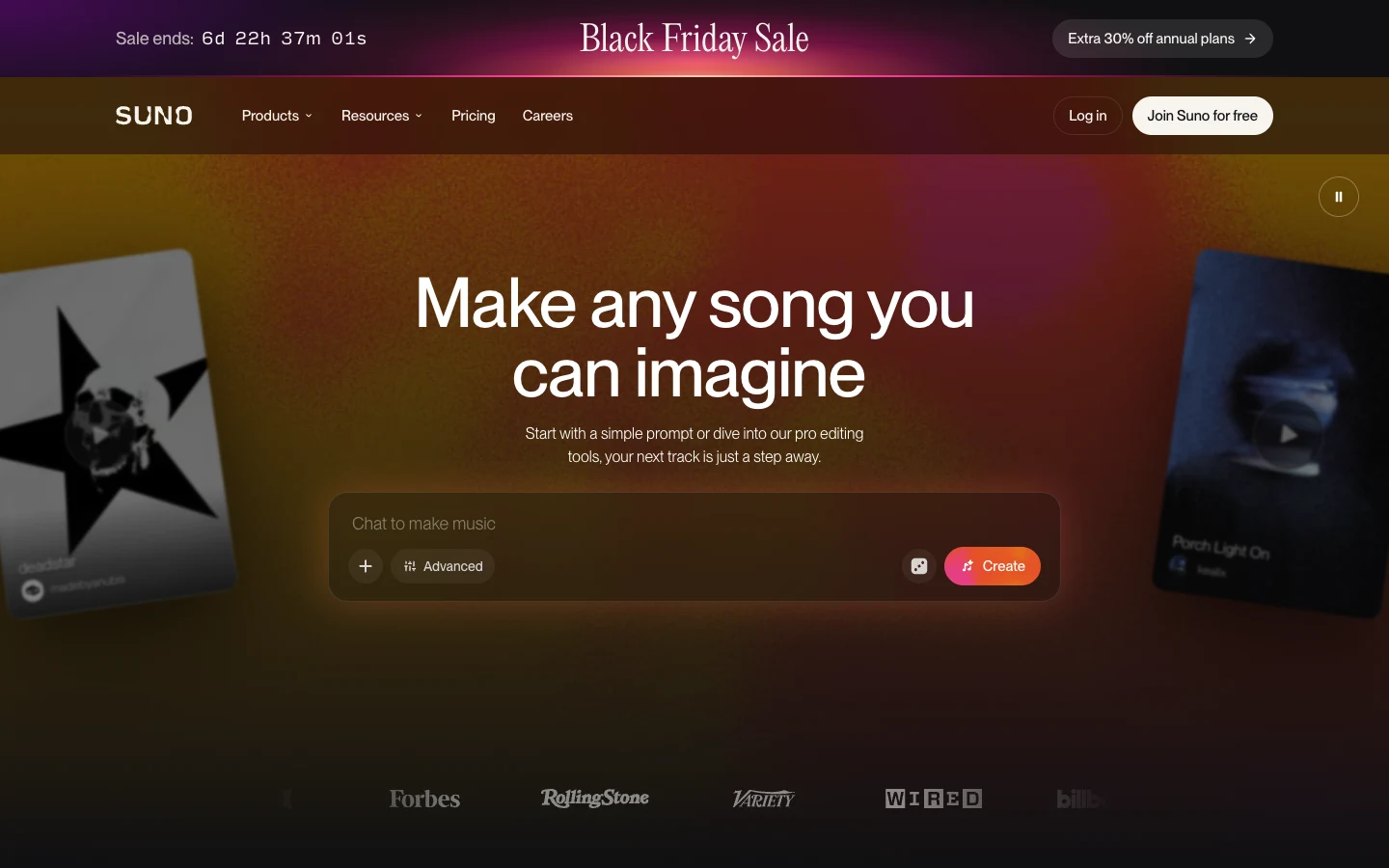
Suno creates music from a description, lyrics or other musical material. A short idea can begin as a song in the creation interface, while Studio provides a separate environment for arranging and delivering a production. The first choice is how much of the musical brief to specify yourself.
Describe the sound or supply the words
Simple Mode starts with a description of what the song should sound like. That description can combine a genre with instrumentation, mood or an intended structure. Custom Mode separates the lyrics from the style settings and also allows an instrumental result. A title completes the brief before the songs are generated.
Use earlier songs as a reference
Inspire takes a playlist of music made in Suno as context for a new composition. The playlist supplies qualities such as mood, tempo and instrumentation, while the new lyrics and style description still guide the next song. It provides a way to continue a musical direction across several pieces without simply downloading the previous track again.
Arrange and deliver the finished song
A Studio project can be delivered as a complete mix, a selected part of the timeline or separate tracks for further mixing. Individual audio clips can also be saved. Stem-derived note data provides another handoff when the next stage is arranging or performing parts in a music workstation.
What can Suno do?
- 01
Generate songs from lyrics
Create vocal or instrumental music from text and audio inputs
- 02
Remix a song
Change its style, lyrics or musical direction
- 03
Separate song stems
Extract individual components on eligible plans
- 04
Create from your own recordings
Use voice-based creation and supported custom-model tools
- 05
Arrange in Suno Studio
Combine tracks and generate new vocal, drum or synth variations
How do I get started with Suno?
- 1
Sign in at suno.com
Open Create and choose Custom Mode
- 2
Set the musical brief
Enter lyrics or turn on Instrumental, then add Styles and a title
- 3
Make the song
Click Create and wait for the generated songs
- 4
Save a first version
Use the song's Download option for an MP3
What does Suno work with?
- MP3
- WAV
- MIDI
Who is Suno for?
- Songwriters
Audition musical settings for a lyric
- Music producers
Turn generated parts into a multitrack arrangement
How much does Suno cost?
- Free plan · 50 credits per day; free songs cannot be used commercially.
- or $8/mo billed yearlySave 20%
What are Suno's limitations?
WAV downloads
Require Pro or Premier and the suno.com website; mobile song downloads use MP3
MIDI downloads
Available for Studio-created songs on Premier
Suno FAQ
Do subscription credits accumulate?
No. Included daily or monthly credits expire rather than carrying forward. Purchased top-ups do not expire but need an active subscription to be used.
More tools like Suno
 AIVA
Compose music from styles and references, then continue editing
 Mubert
Create music fitted to a video, podcast or application
 Speechify
Listen to documents and use speech to work through reading material
 ElevenLabs
Create narration, dubbed speech and sound for audio productions
 Notta
Transcribe conversations and turn their findings into working documents
 Krisp
Reduce call noise and keep meeting notes without a participant bot