What is PDFgear?
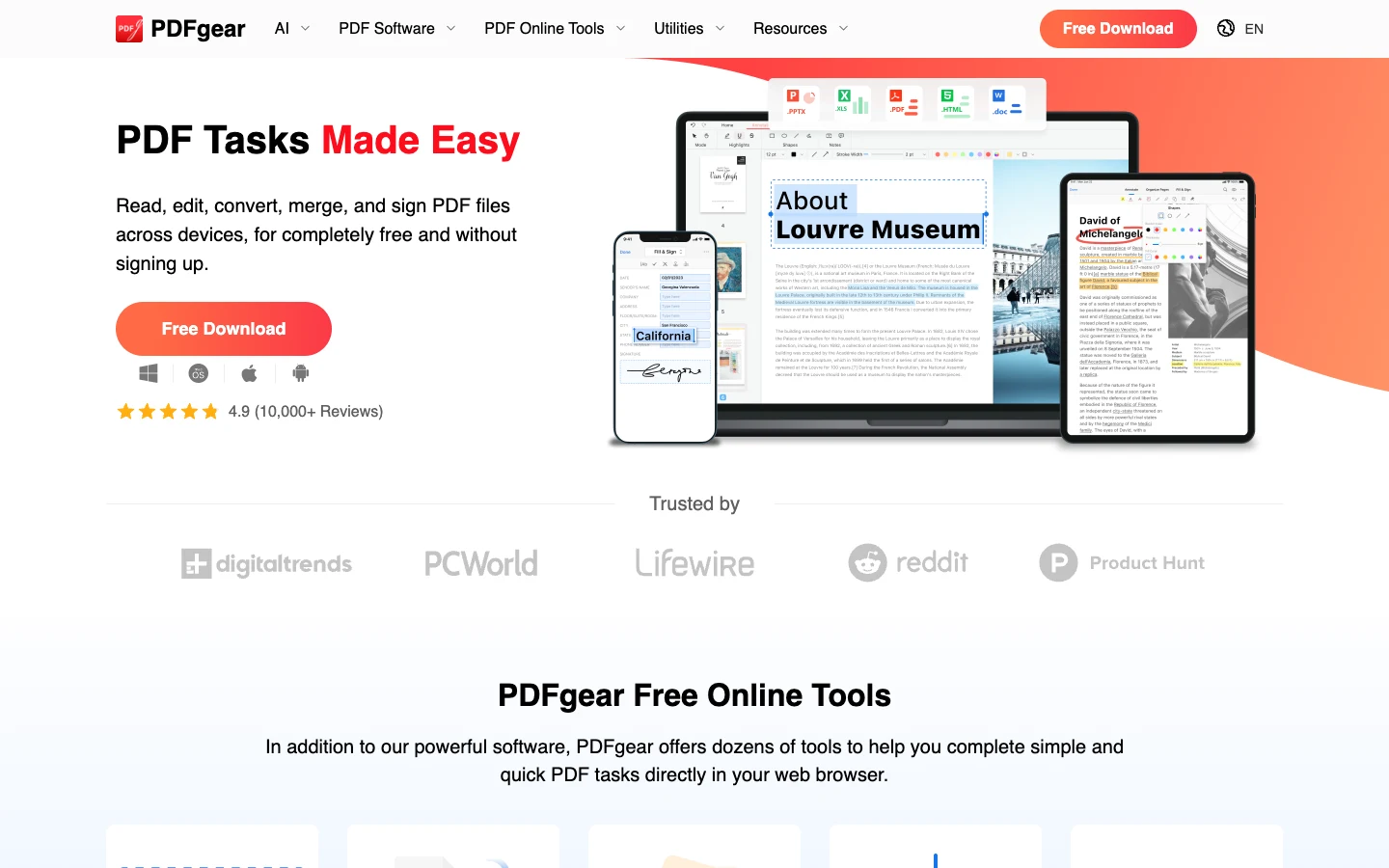
PDFgear combines a PDF editor with an assistant for reading and operating on documents. A file can be opened for a conventional editing session, or used as the context for questions. Copilot provides a text-based way to request an operation as well as discuss what the document contains.
Read a document and ask about its contents
Open a PDF and ask for a summary or an explanation of a difficult passage. Copilot can answer questions using the document, with page references to help locate the source. A translation request can focus on the part you need, letting the reading task progress from understanding the whole file to examining a specific detail.
Edit and prepare the PDF
Conventional tools support changes to the document, including editing, merging and signing. Copilot also accepts requests for supported document operations, providing a text-based route alongside the regular editor. This lets reading and file preparation happen within the same application when a document needs both interpretation and changes.
Recover text or convert the file
OCR extracts text from scanned material for copying or further editing. Conversion moves a PDF into another working format, and supported source files can also become PDFs. The result can then be shared or passed to another application, with desktop, web and mobile tools providing different entry points for document work.
What can PDFgear do?
- 01
Edit PDF contents
Change text and images within the document
- 02
Annotate and complete forms
Mark up pages, fill fields and add signatures
- 03
Reorganize pages
Merge material and rearrange the document
- 04
Convert files in batches
Move between PDF, office and image formats
- 05
Recognize scanned text
Extract usable writing with OCR
- 06
Discuss a PDF
Request summaries and ask follow-up questions
- 07
Request operations with Copilot
Describe the PDF task in ordinary language
How do I get started with PDFgear?
- 1
Open your PDF
Install PDFgear Desktop, then use Open File to select the document
- 2
Start document chat
Select Copilot at the lower right, then click Chat Now
- 3
Ask about the content
Choose a suggested command or type a question and send it; use page references to revisit the source
What does PDFgear work with?
- Word
- Excel
- PowerPoint
- RTF
- TXT
- Word
- Excel
- PowerPoint
- RTF
- HTML
- XML
- TXT
Who is PDFgear for?
- Document administrators
Prepare forms and reorganize files for record keeping
- Archive digitizers
Recover text from scans and convert it into working files
How much does PDFgear cost?
- No paid plans
- PDF editing and Chat PDF at no charge.
More tools like PDFgear
 Beautiful.ai
Build branded presentations with layouts that adapt to the content
 Otter.ai
Turn meetings and interviews into searchable notes and transcripts
 Gamma
Turn ideas and source documents into presentations and visual pages
 Readwise
Keep reading highlights available for review and later writing
 Fathom
Turn customer calls into notes, CRM follow-up and coaching material
 tl;dv
Analyze meeting collections for customer feedback and sales coaching
 Reclaim
Reserve calendar time for tasks, focus work and flexible routines
 Motion
Turn project tasks and deadlines into an adjustable daily schedule